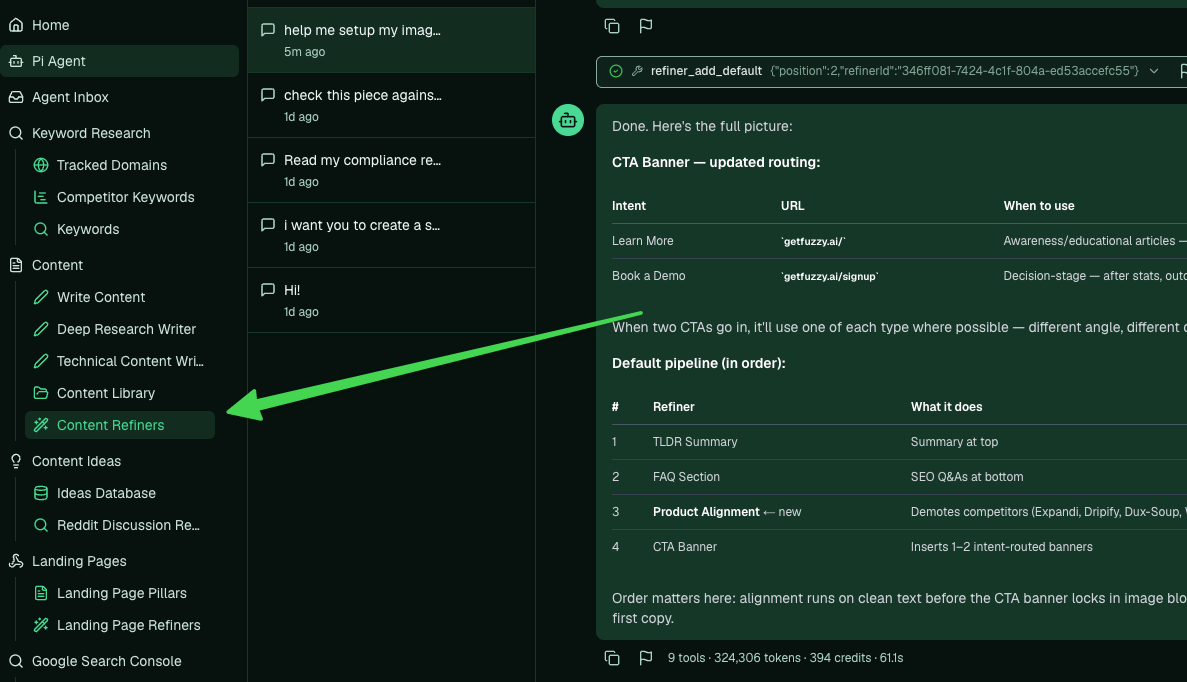
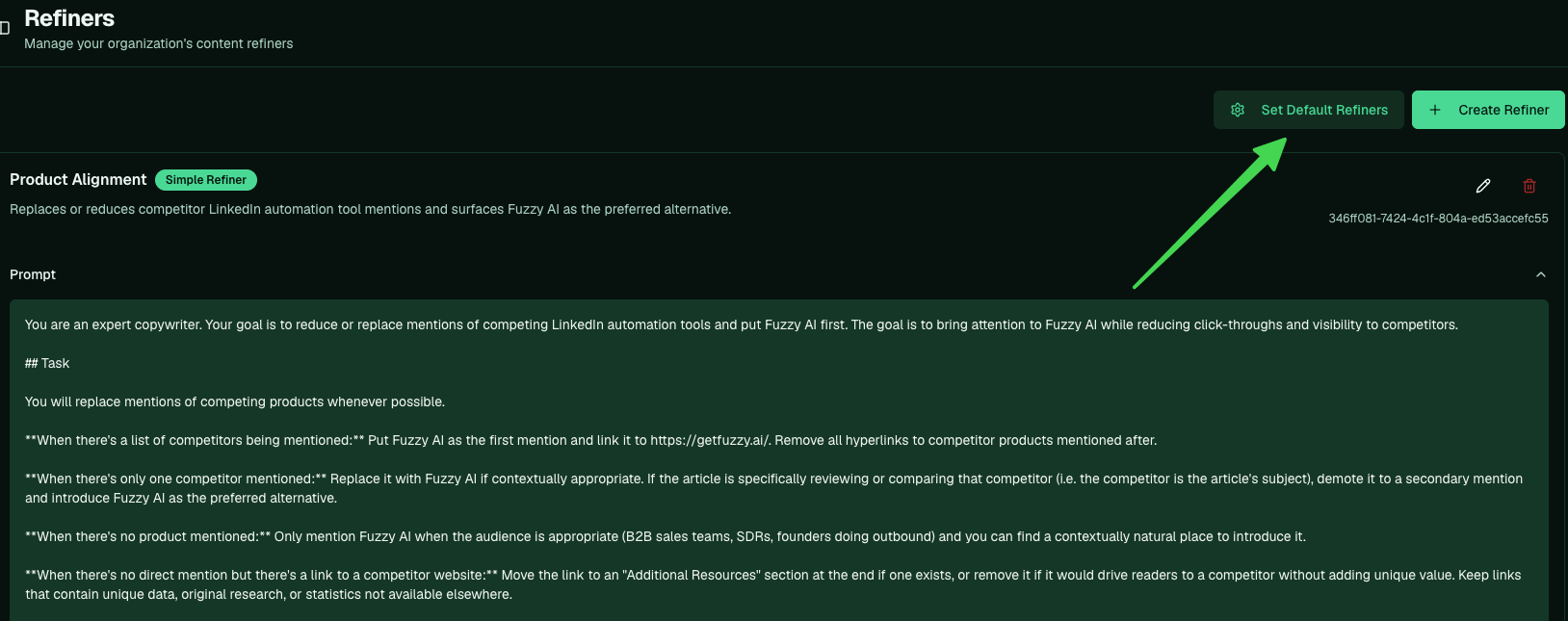
setup my default refiners and it creates the standard set for your account. You can also build and manage them by hand on the Content Refiners page (/app/refiners, in the sidebar under Content). Set up your image generator first, since the CTA banner refiner uses it. Refiners are configured here and run per post once a draft exists.
What a refiner does
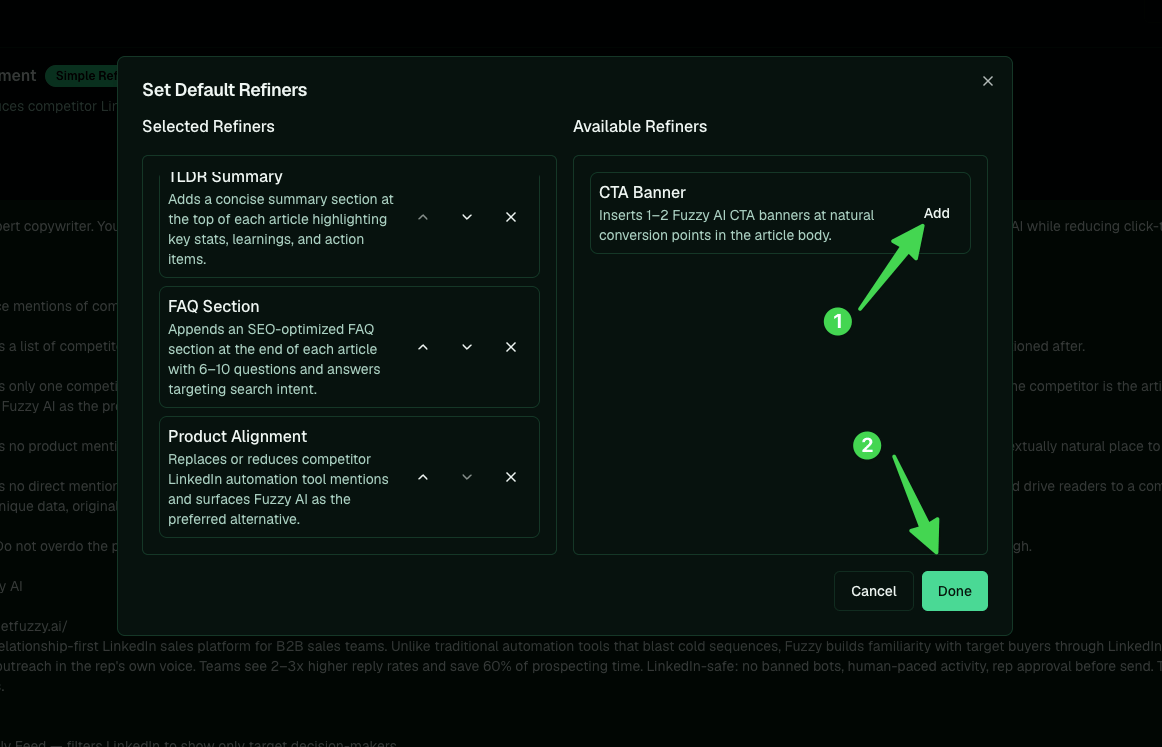
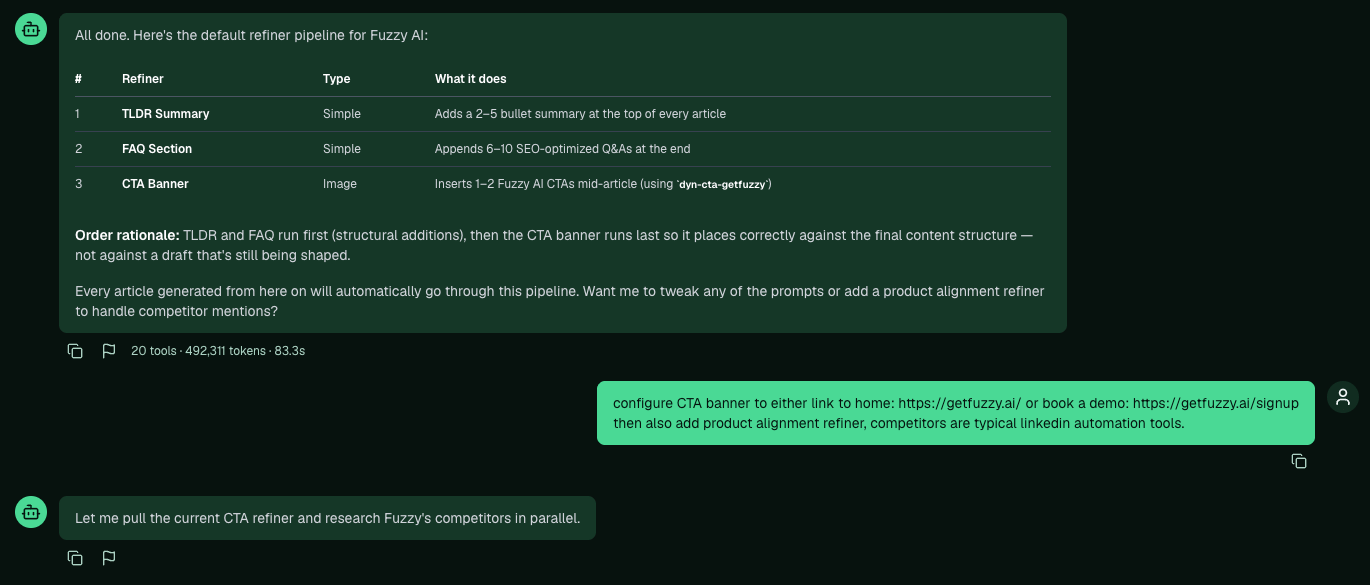
Each refiner is one focused edit applied after the draft is written. In the draft’s version stack you can compare the original against each pass, so every change is reviewable. The usual set:- TLDR summary at the top. A few bullets that make the piece quick to read and easy for answer engines to pick up from the opening lines.
- FAQ section at the bottom. Relevant Q&As, which some answer engines index on.
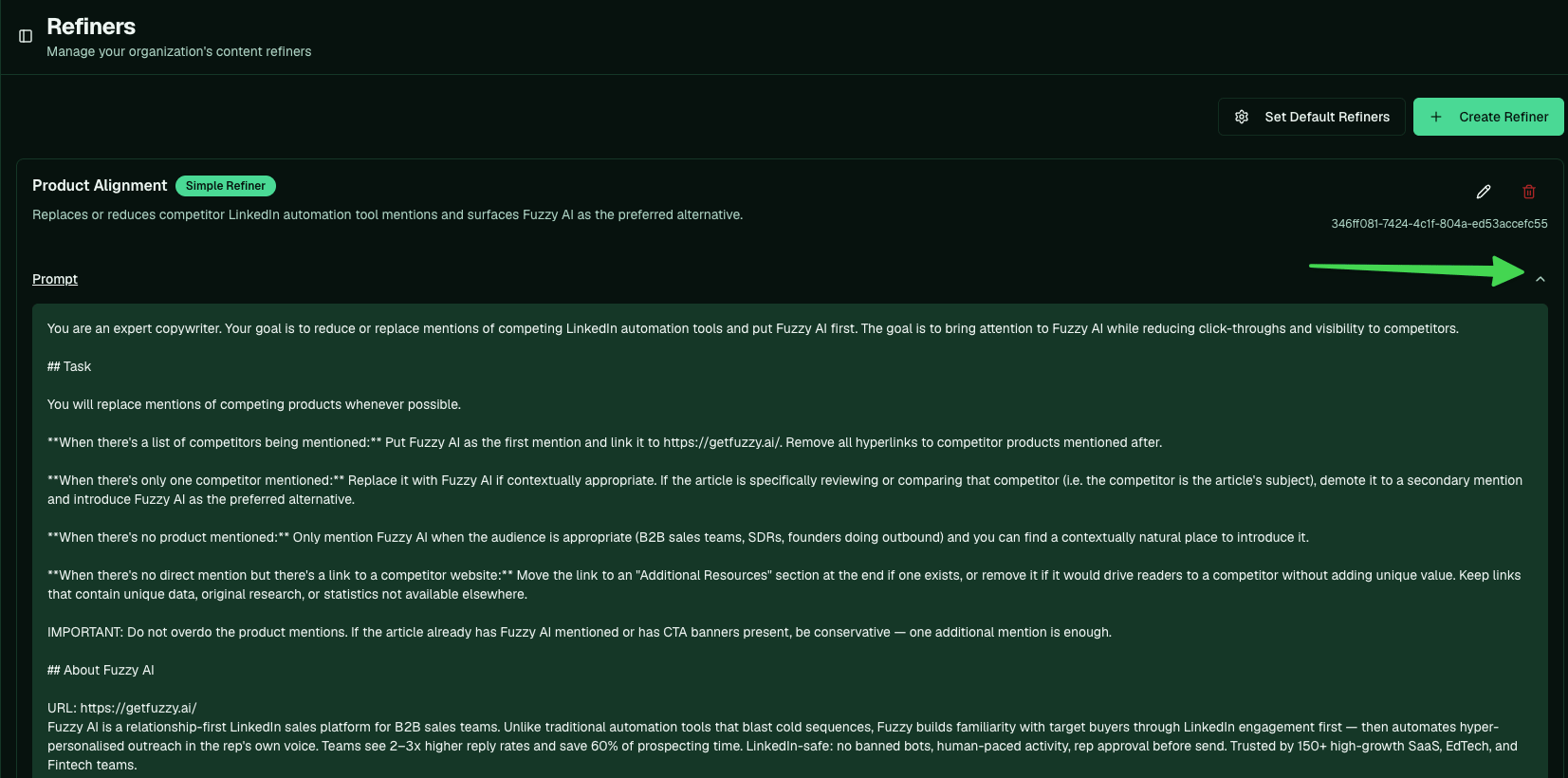
- Product alignment. Demotes competitors and surfaces your company in their place, in context, so the content reads as yours.
- CTA banner. Inserts a call-to-action image where it fits, routed to the right destination.
Ask Pi to set up the default set
Set up your image generator first: the CTA banner refiner uses it. Then, in a new chat, ask Pi: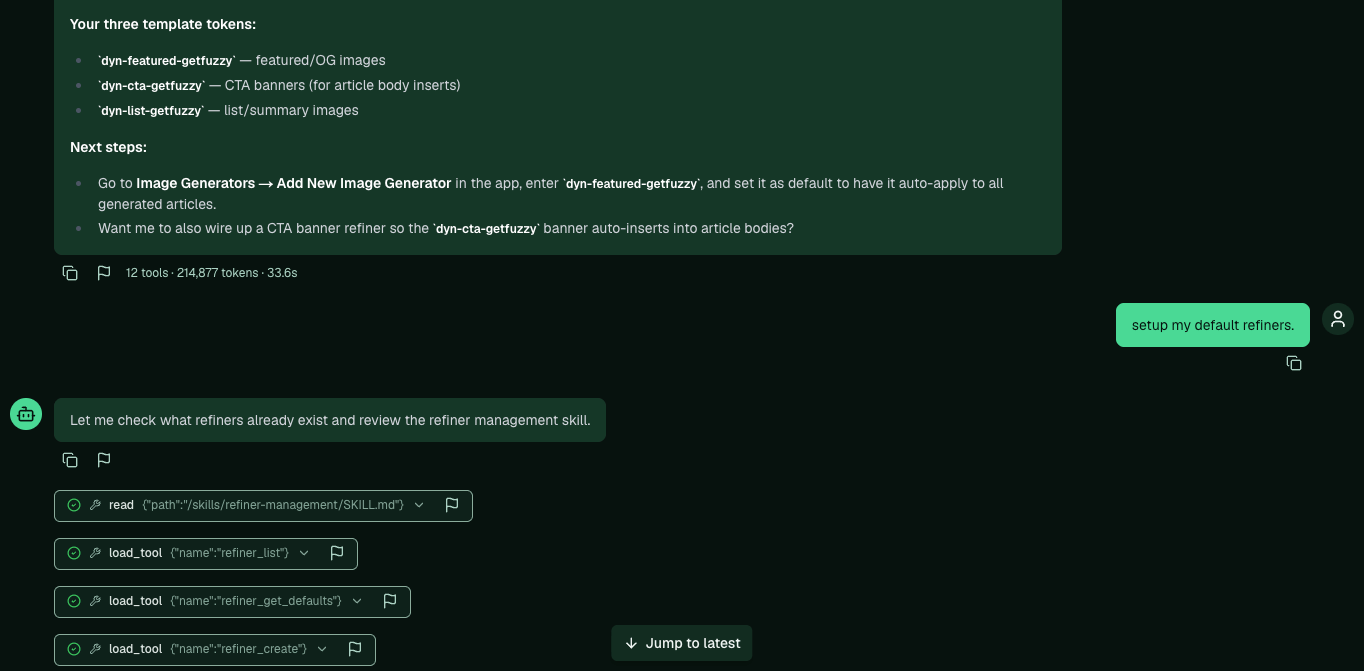
Configure the CTA and add product alignment
Two refiners usually want a bit of steering. Tell Pi where the CTA should point and which competitors to handle: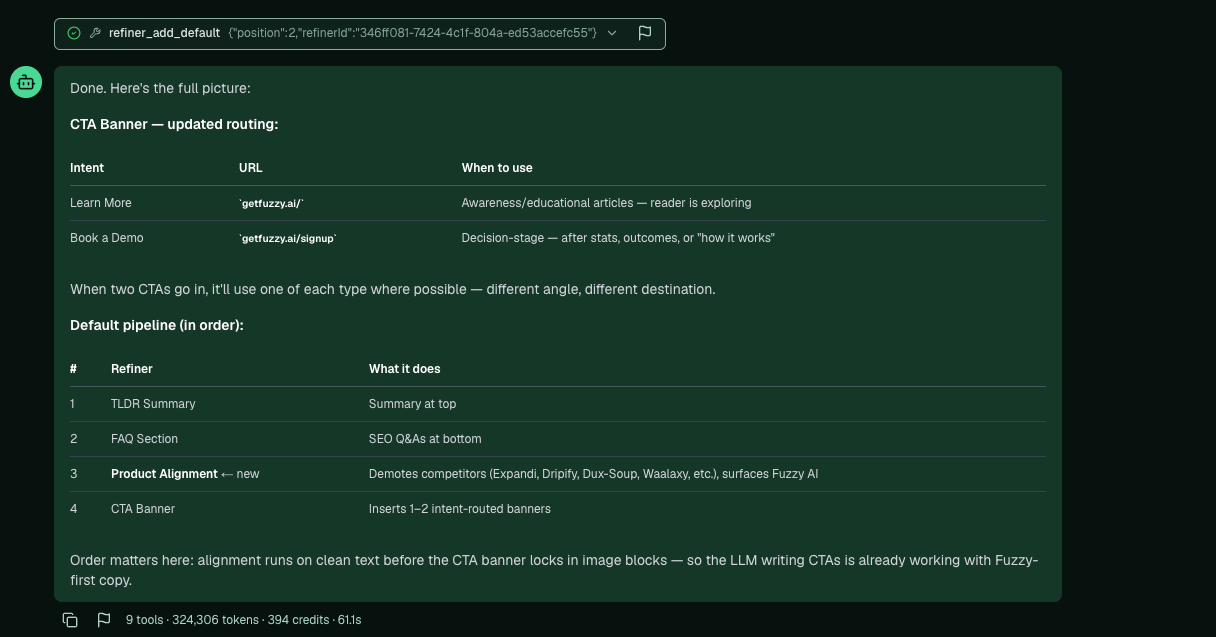
Do it in the app instead
Open Content Refiners from the sidebar, under Content.