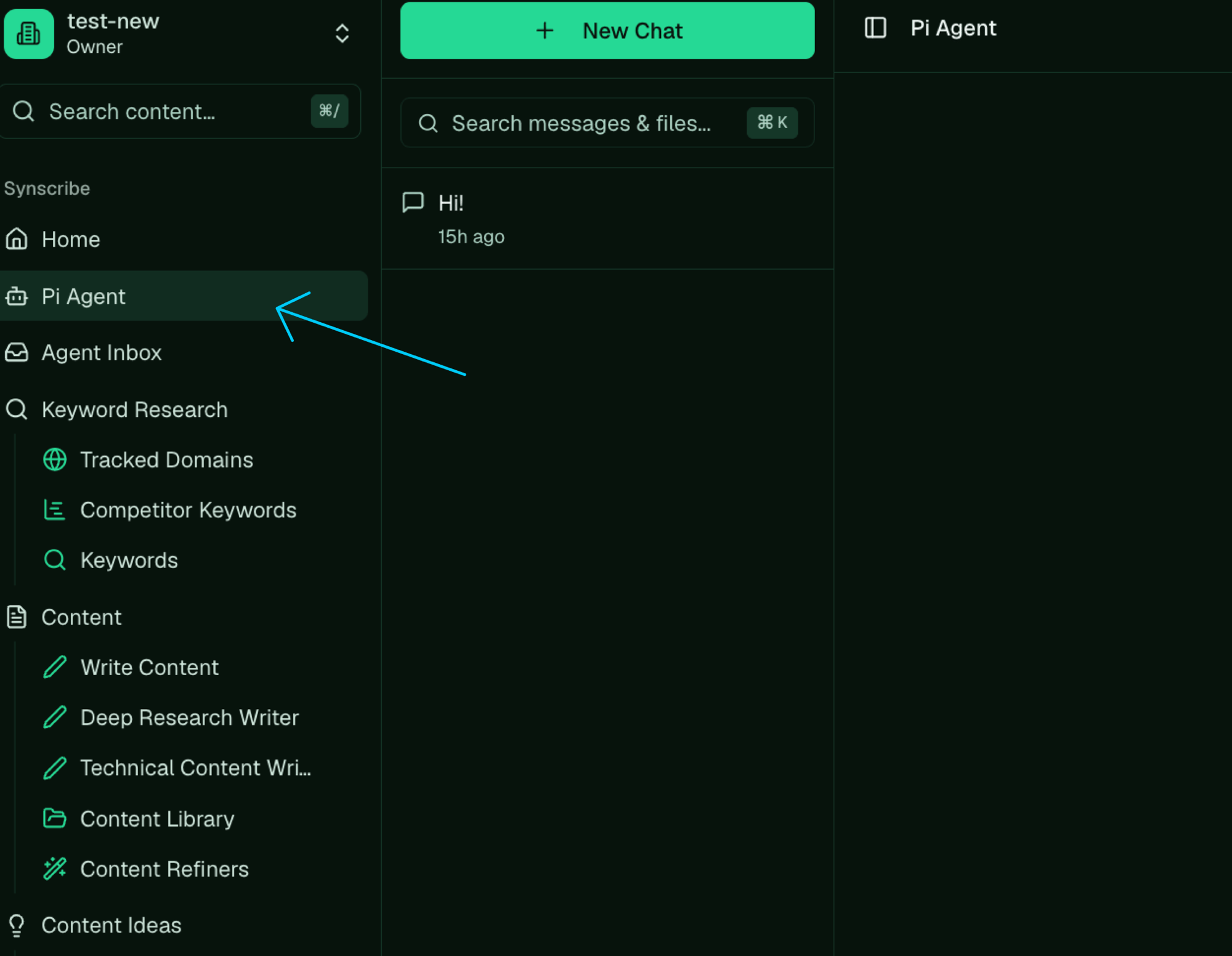
Pi Agent lives in the left sidebar; open it to start a chat.
What to cover in the first conversation
You don’t need a script. Talk to Pi the way you’d brief a new hire on your first day together. The things worth getting across early:- What your company does, and the product you’re trying to grow.
- Who you sell to, and the problem you solve for them.
- Your goals for the next month or two, and any competitors you watch.
- A recent sales or planning call, pasted in, so Pi picks up the specifics in your own words.
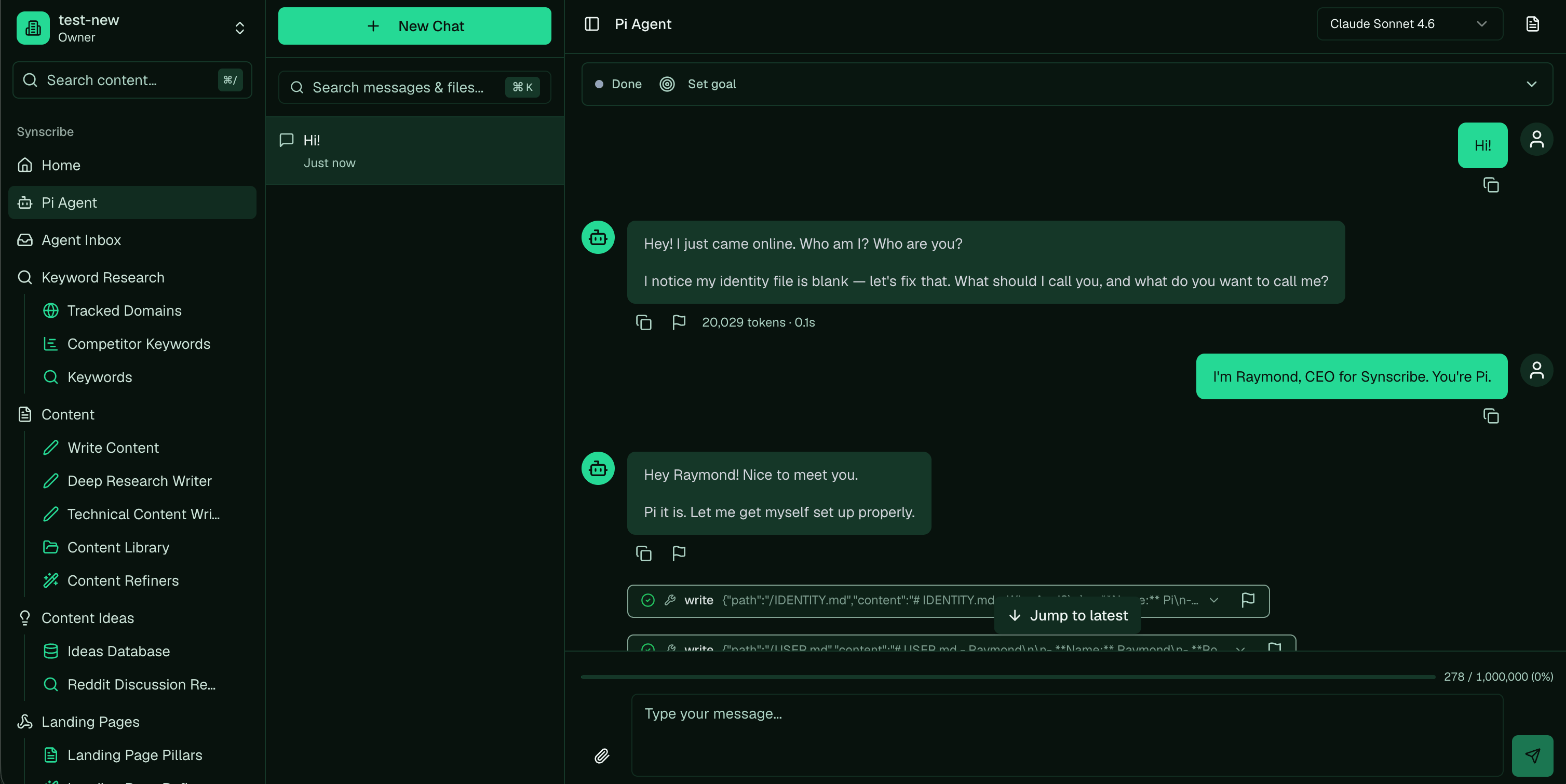
Pi's first conversation: it asks who you are, names itself, and writes its own files.
The files that shape Pi
As you talk, Pi writes a few core files about your account and reads them back at the start of every chat. That’s how it stays consistent and gets sharper over time.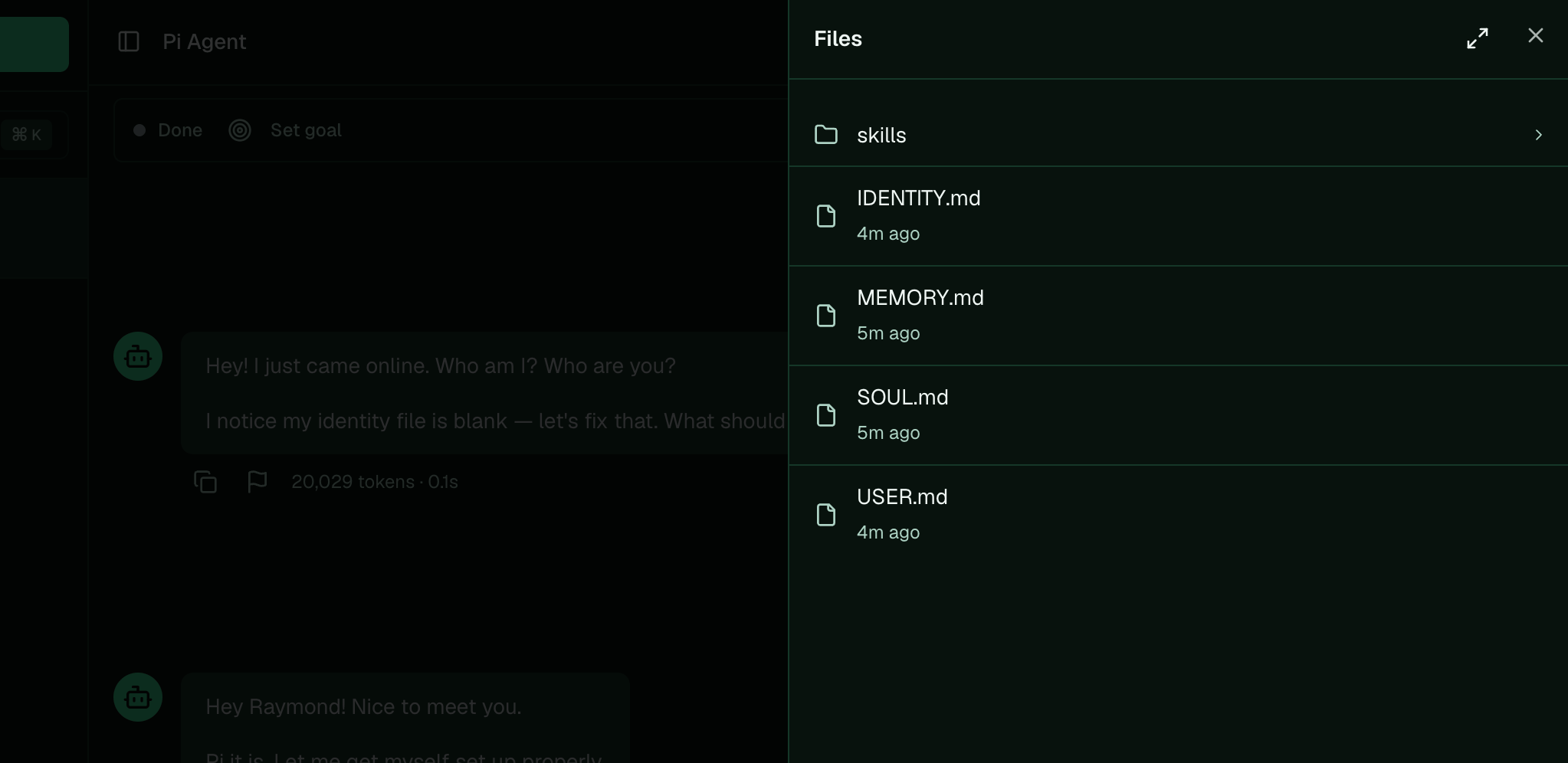
Your account's core files, which Pi writes and reads back on every chat.
🎬 Video planned: the first setup conversation with Pi, naming it and filing your first call to memory. See the shot-list.
For the technically savvy: how these files reach Pi
Skip this unless you’re curious about the internals. It doesn’t change how you use Pi. Every turn, Pi rebuilds its own instructions (its system prompt) from scratch. The instructions are assembled in a fixed order: a hardcoded base (who Pi is and how it works, the same for everyone), then the tools it can call, then an index of its skills, then your account’s files, then your organization’s profile. Your files sit near the end, so they layer your specifics on top of the shared foundation. The account files are loaded like this:SOUL.md,IDENTITY.md, andMEMORY.mdare read on every turn and dropped into the prompt (each wrapped in its own labelled block). Editing one takes effect on the next message.MEMORY.mdis injected whole, which is why it’s kept as a short index that points to detail files undermemory/rather than holding everything itself.- A one-time
BOOTSTRAP.mdruns the very first setup conversation, then deletes itself, so it only shapes Pi while you’re getting started. - Empty files are skipped, so a file only affects Pi once it has content.
SOUL.md, so editing SOUL.md adjusts tone on top of a foundation you can’t remove. And Pi may keep
a small USER.md with notes about you (like your name or timezone); today that file is for its own
reference and isn’t part of the instructions it loads.
Next: Research your company and build the Product Bible · Related: The thesis