Open and browse your files
You can look through everything Pi keeps, yourself. Open the Files panel from the file icon at the top right of the Pi Agent screen.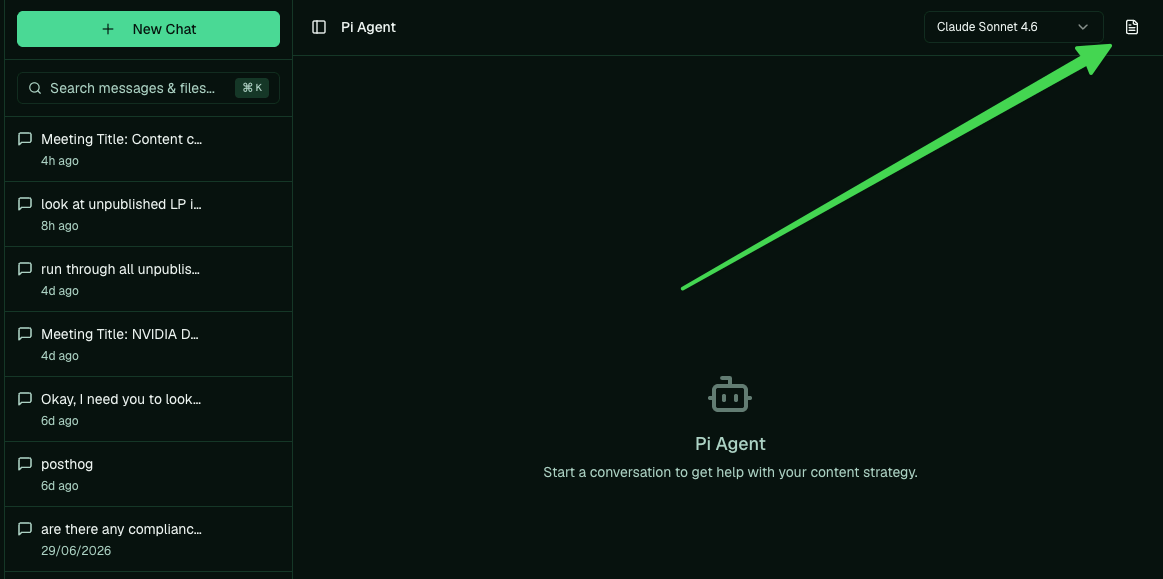
Open the Files panel from the icon at the top right of the Pi Agent screen.
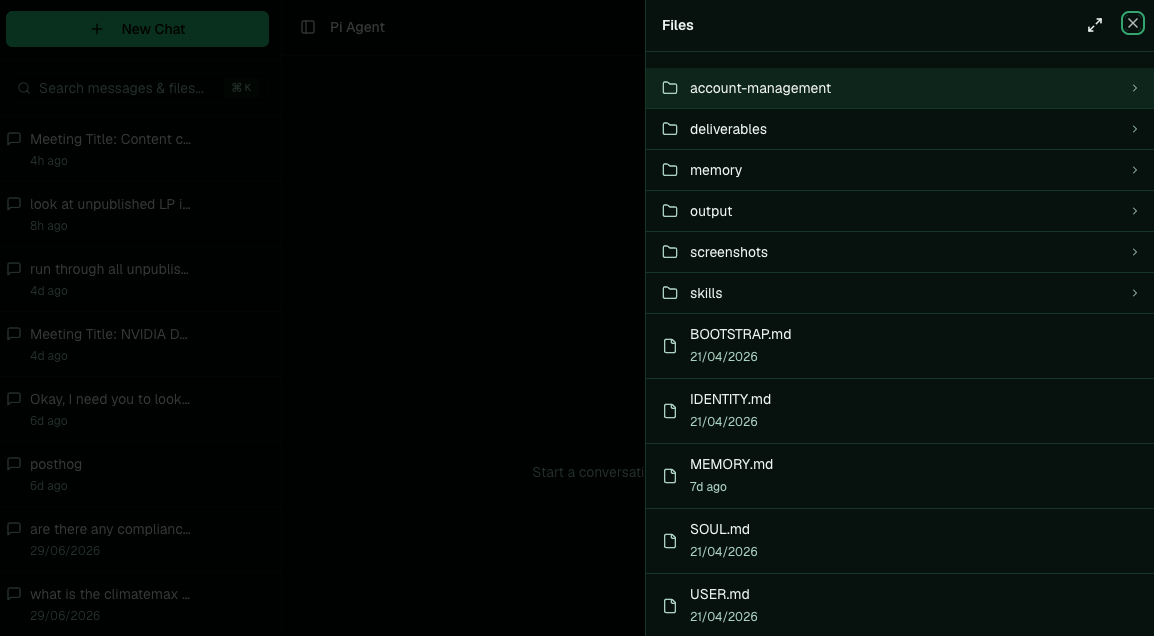
Files and folders, organized like your computer.
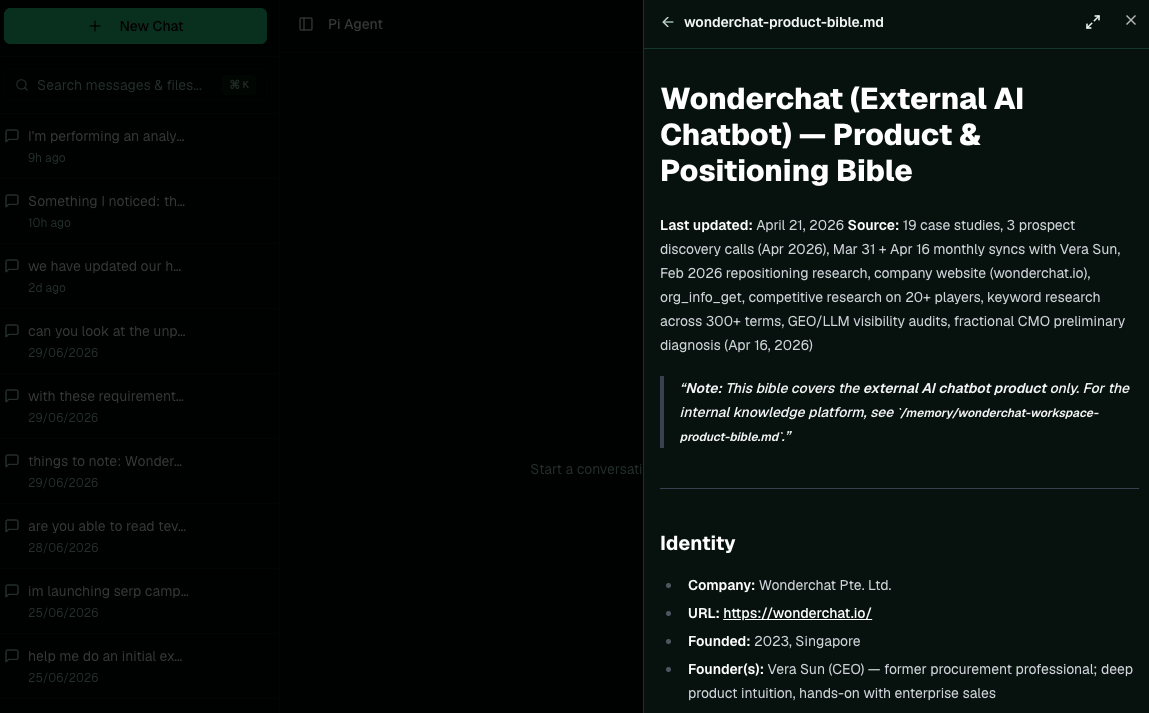
Click a file to read its contents in the panel.

Expand a file to full screen for a bigger view.
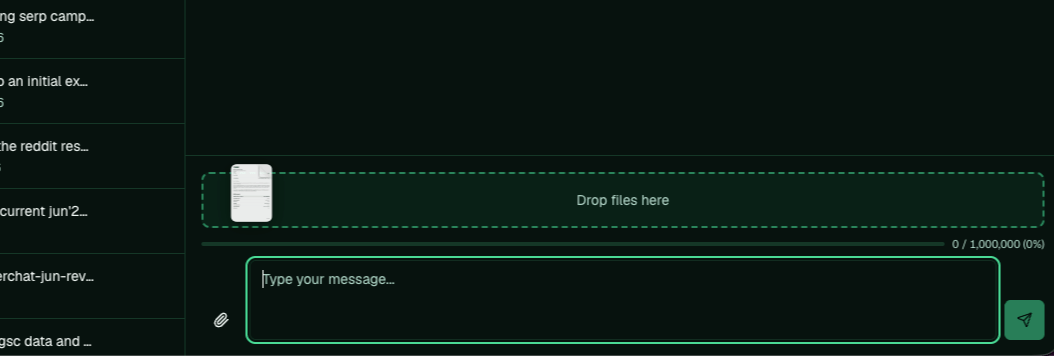
Drop files straight into the chat to hand them to Pi.
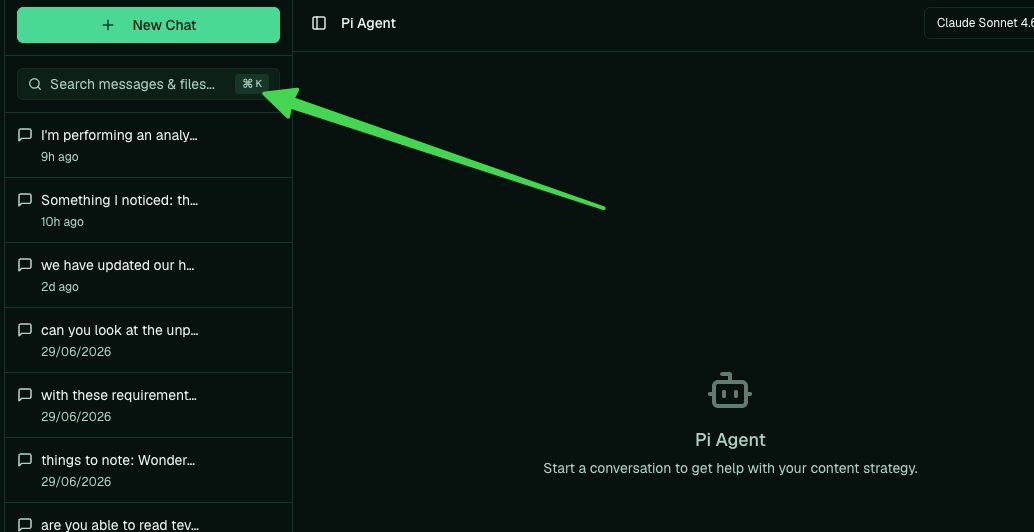
Search files and messages from the sidebar, or press Cmd+K.
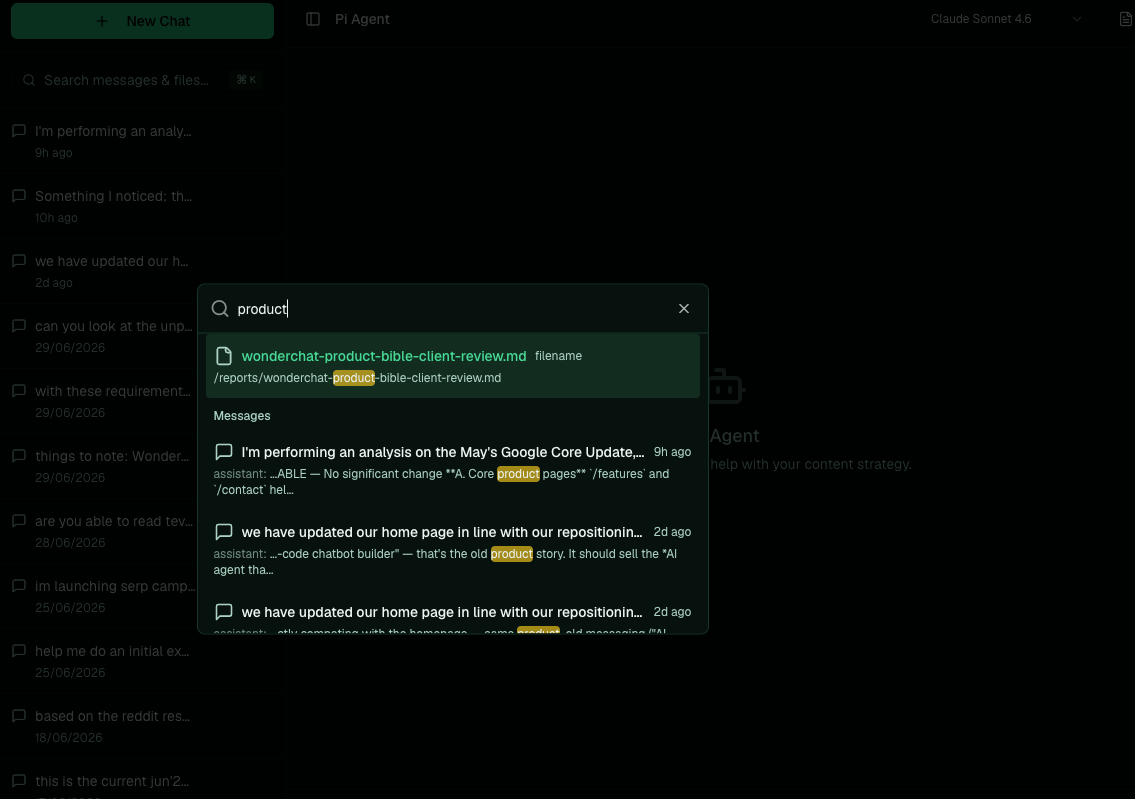
Results match file names and the text inside your files.
What Pi remembers
Pi’s memory holds two kinds of things:- A small set of core notes about your business, set up when you first get started: who Pi is working for, and a running index of what it knows.
- A growing set of memory files where it saves research, strategy docs, and decisions as you work, so it gets sharper about your account over time.