Request indexing
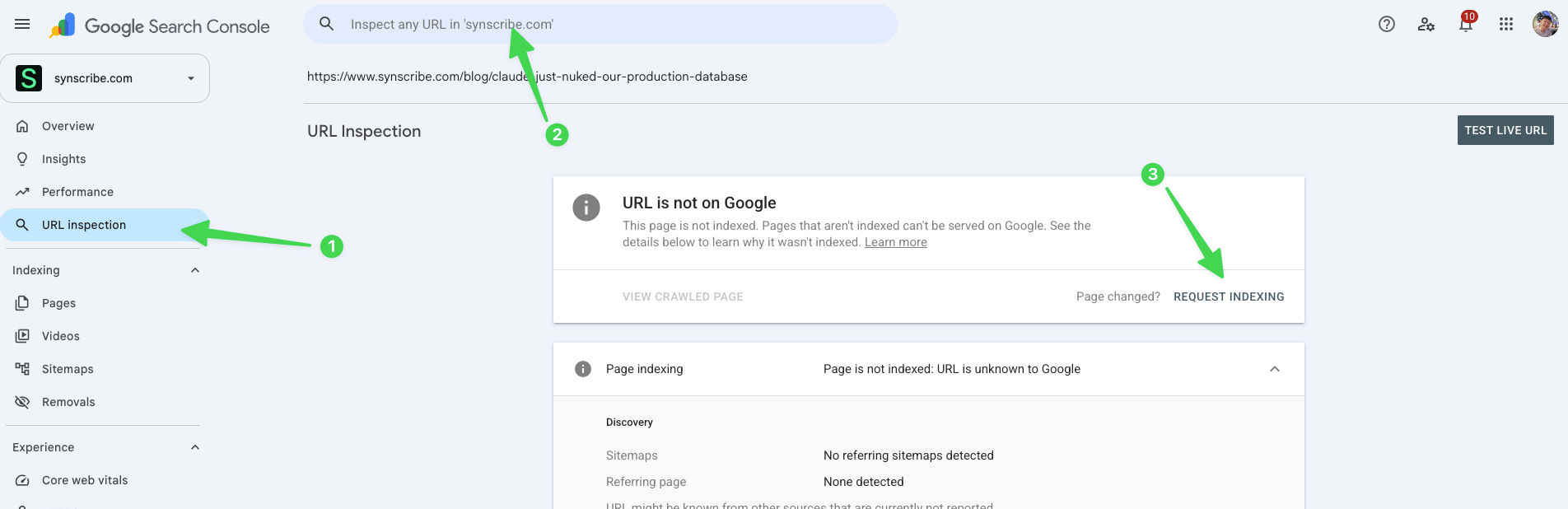
- Copy the URL of your published post.
- Open Google Search Console and make sure you’re in the right property.
- Click URL Inspection, or paste the URL into the “Inspect any URL” bar at the top.
- When it reads “URL is not on Google”, click Request Indexing. That prioritizes your page in front of the crawler, telling it to crawl this one first.
How often you can do it
Requesting indexing draws on a daily crawl budget, so there’s a ceiling:- A fresh, new site: about 3 to 5 times a day.
- A more mature site: up to 10 to 20 times a day.
Check it landed
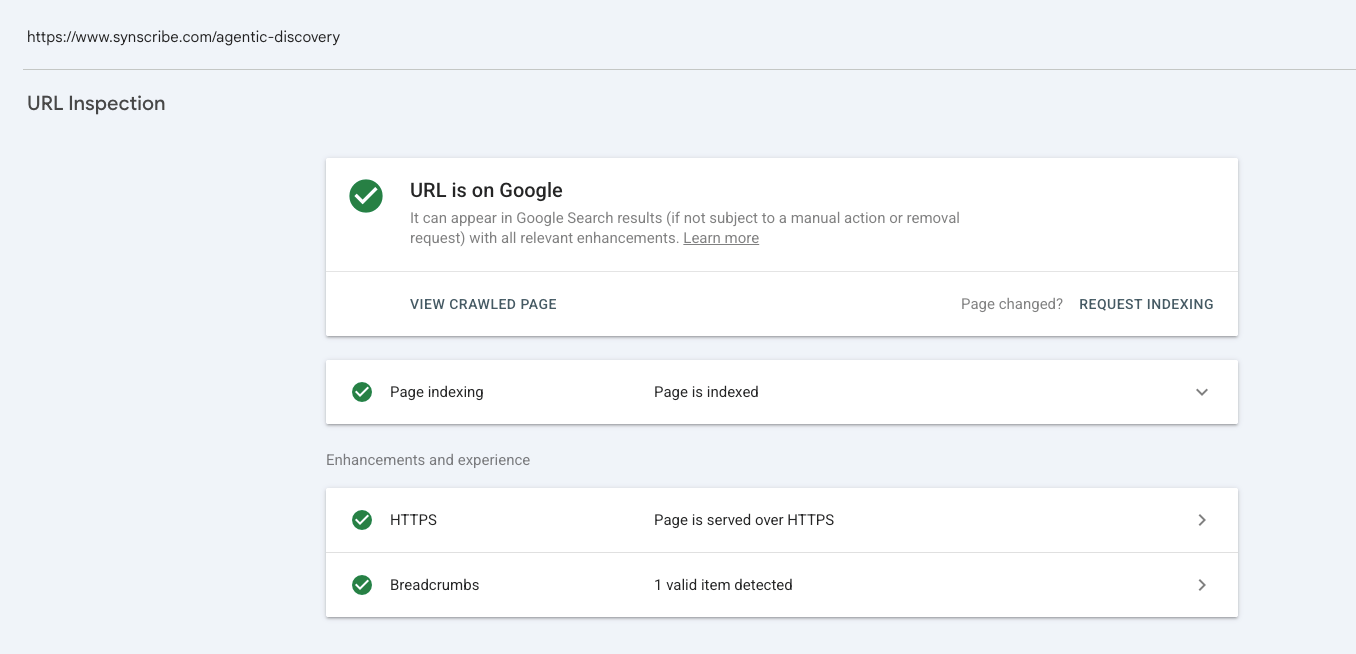
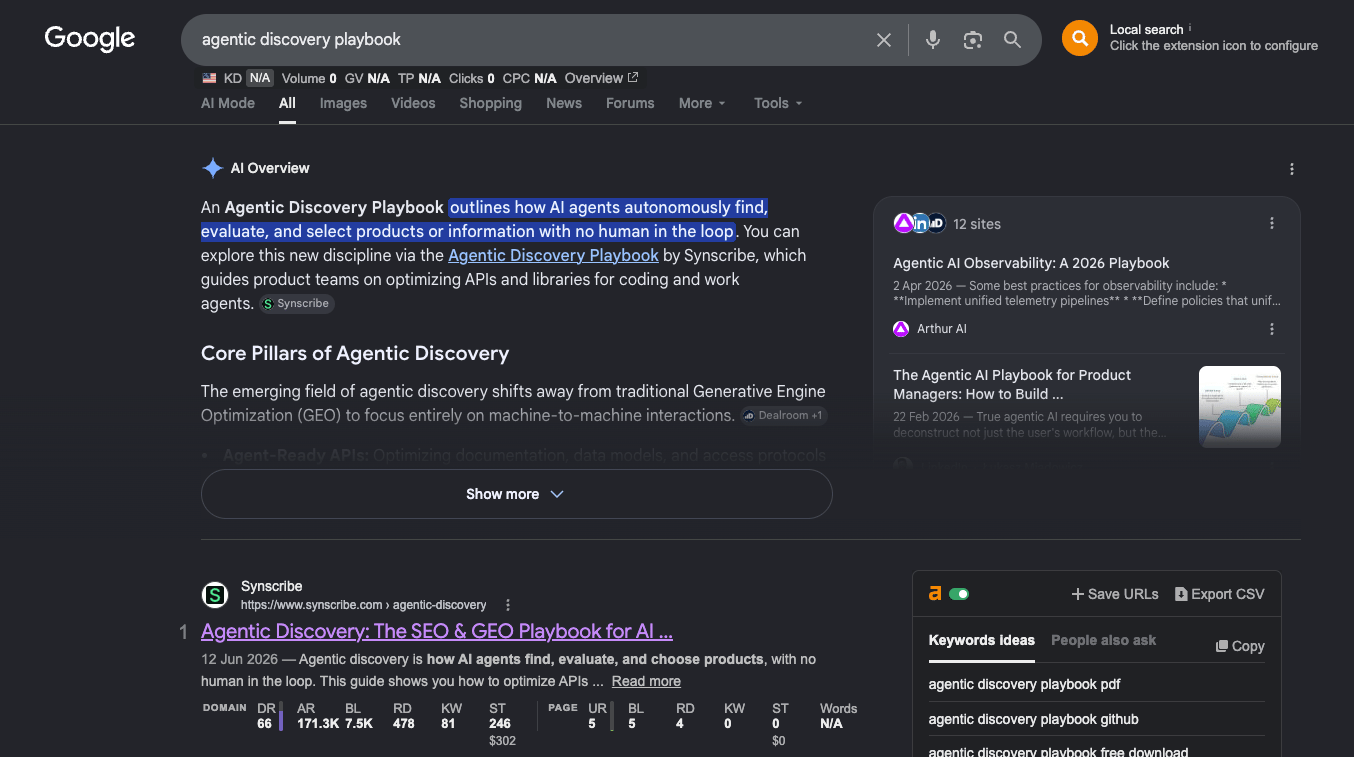
The next day, search Google for the post by its title or target keyword and see if it shows up. Or inspect the URL again: an indexed page reads “URL is on Google” with “Page is indexed”.