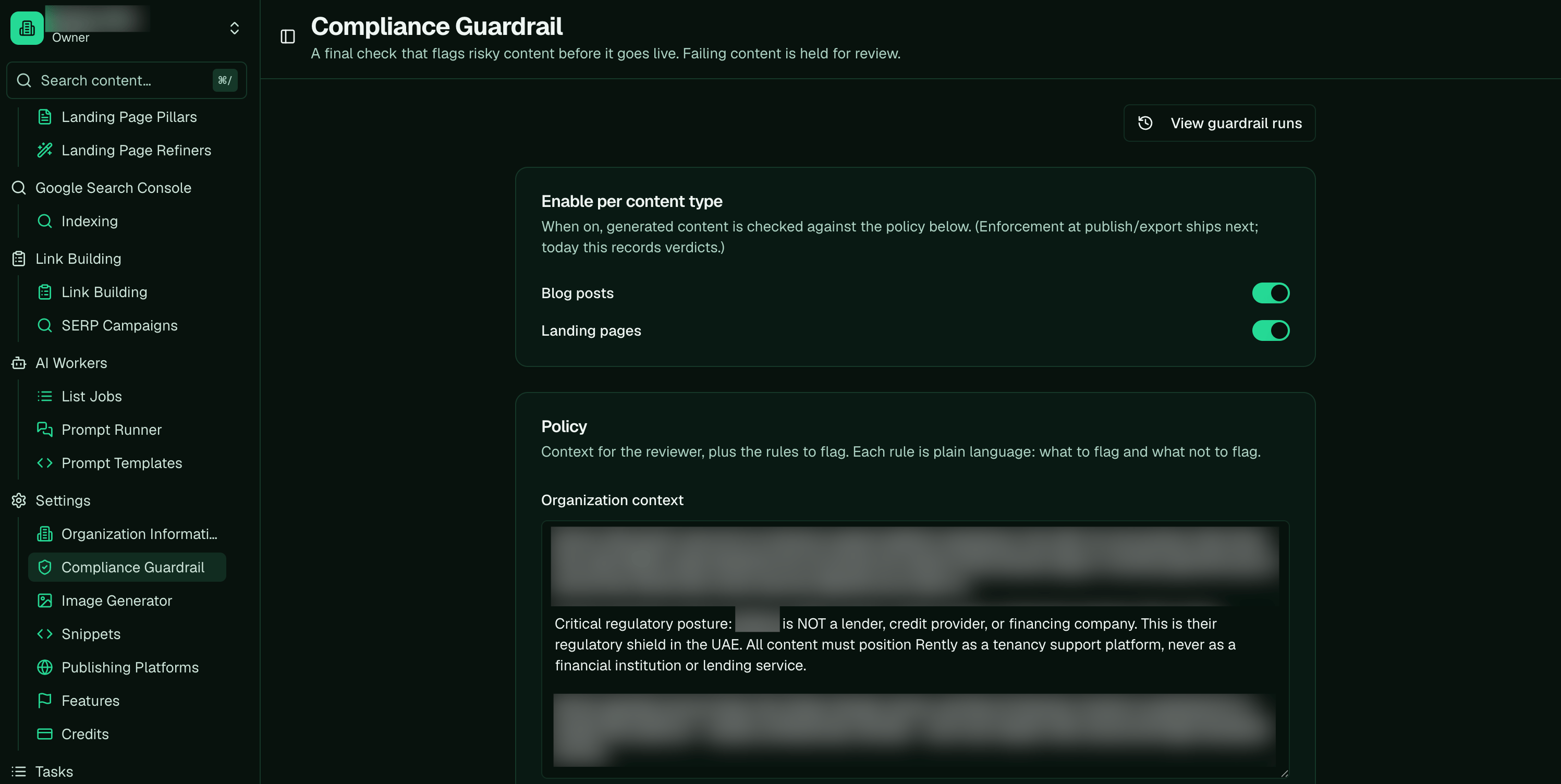
The Compliance Guardrail page (Settings): turn it on per content type, and write your policy below.
Steps
- Write the policy. Give Pi your compliance context to break down into atomic rules. Each rule’s guidance must state both halves: what to flag, and the carve-out (“do NOT flag Y”). Add a good/bad example pair where it sharpens the line.
- Toggle it on per content type. Turn the guardrail on for blog posts, landing pages, or both. It’s opt-in per org and per content type, and off by default, so nothing is gated until you switch it on.
- Know where the two pieces live. The rules live in the policy; the on/off state is a separate per-type toggle. There isn’t one master “enable guardrail” switch — you set the policy once, then flip the toggle for each content type you want gated.
Ask Pi
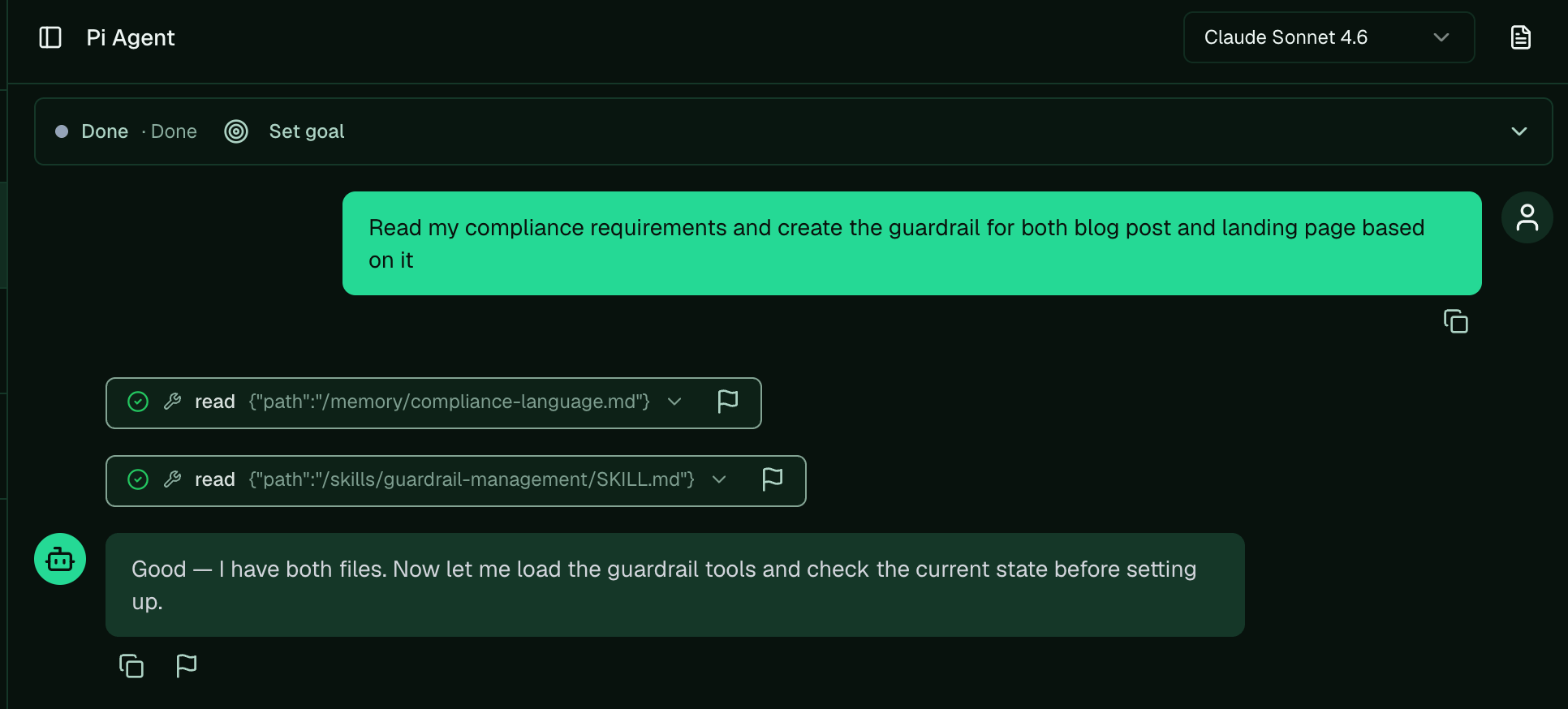
Hand Pi your compliance requirements and ask it to build the guardrail for blog posts and landing pages.
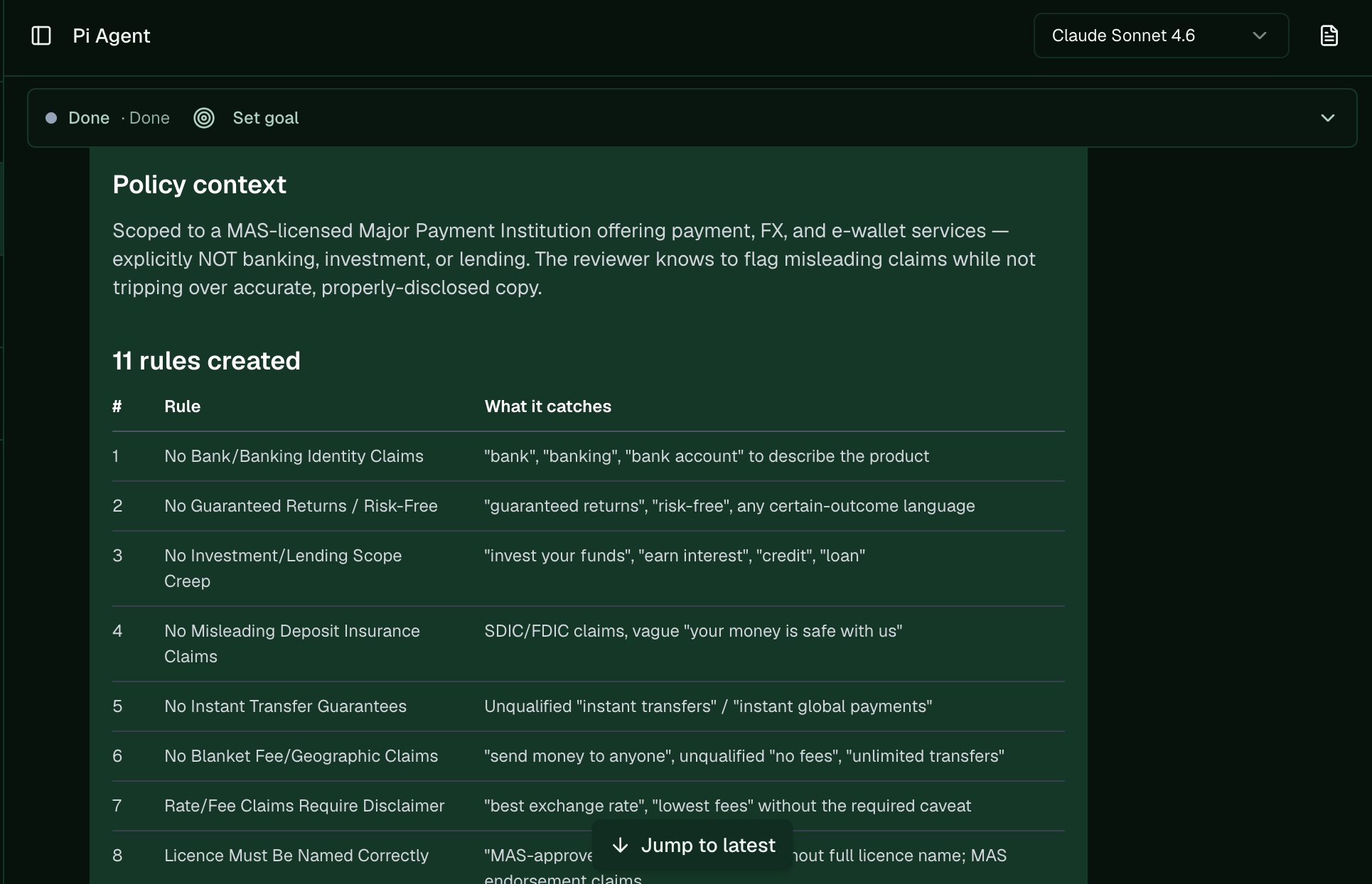
Pi drafts the policy context and a set of rules, each with what it catches, ready for you to review.
Write good rules
A rule is only as good as its carve-out. “Flag any performance claim” over-flags; “flag performance claims stated as guarantees, but do NOT flag factual past results with a cited source” gives the judge a clean line. Keep rules atomic (one idea each) and few — a tight set of 3–8 beats a sprawling one. See how the guardrail decides for why the policy is the prompt.🎬 Video planned: write a compliance policy for your company and turn it on. See the shot-list.Next: Calibrate the guardrail · Related: Refiner vs guardrail · Automate compliance checks · Compliance & QC setup