1. Sign in at synscribe.com/app
Go to synscribe.com/app. You’ll land on the sign-in screen.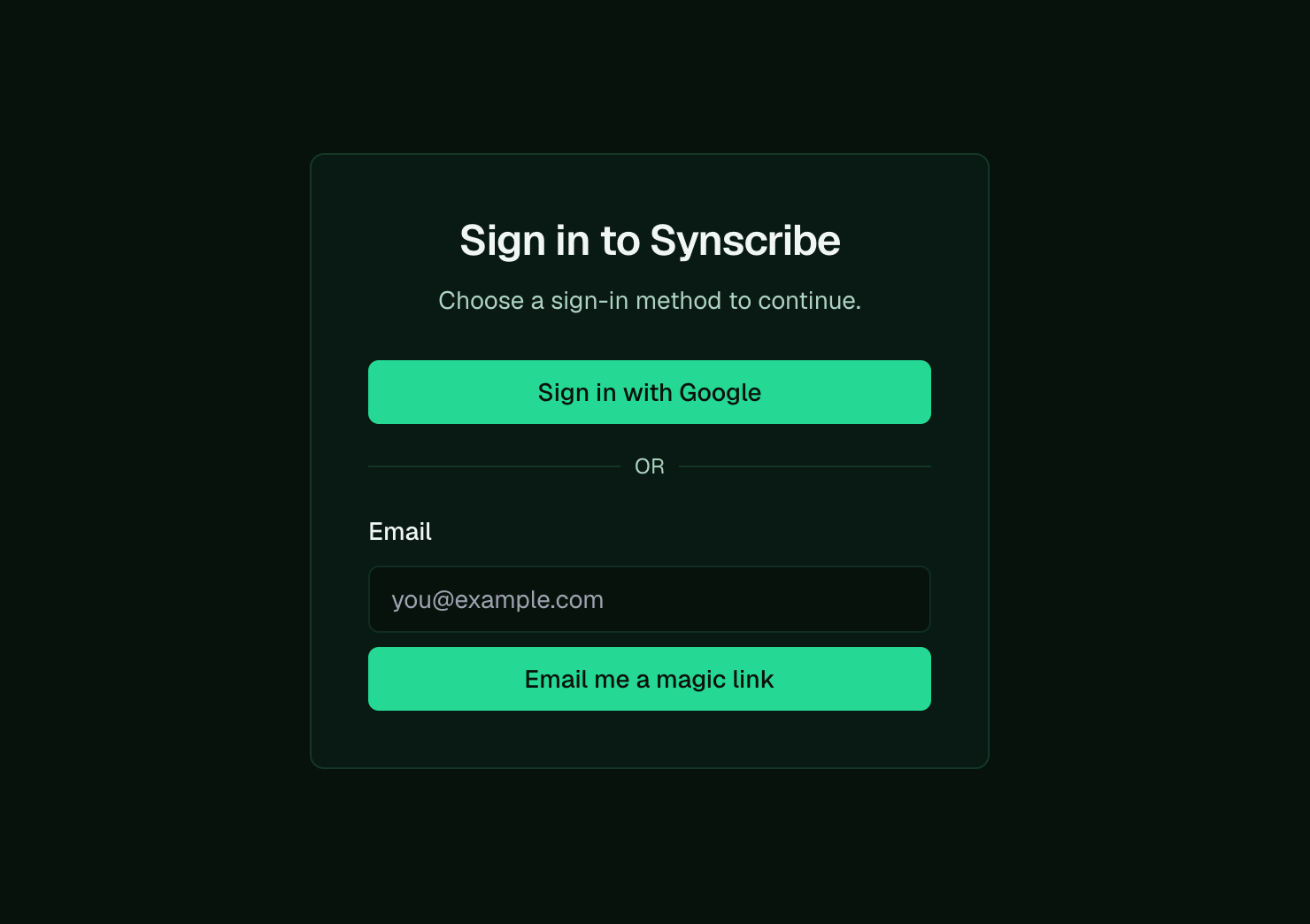
Sign in with your work Google account, or get a magic link by email.
- Sign in with Google using your work account on your company domain. This is the one we recommend.
- Or enter your email and we’ll send you a magic link to sign in, no password needed.
2. Get added to your organization
The first time you sign in, you may see “No organizations found.” That’s expected until the team adds you to a workspace.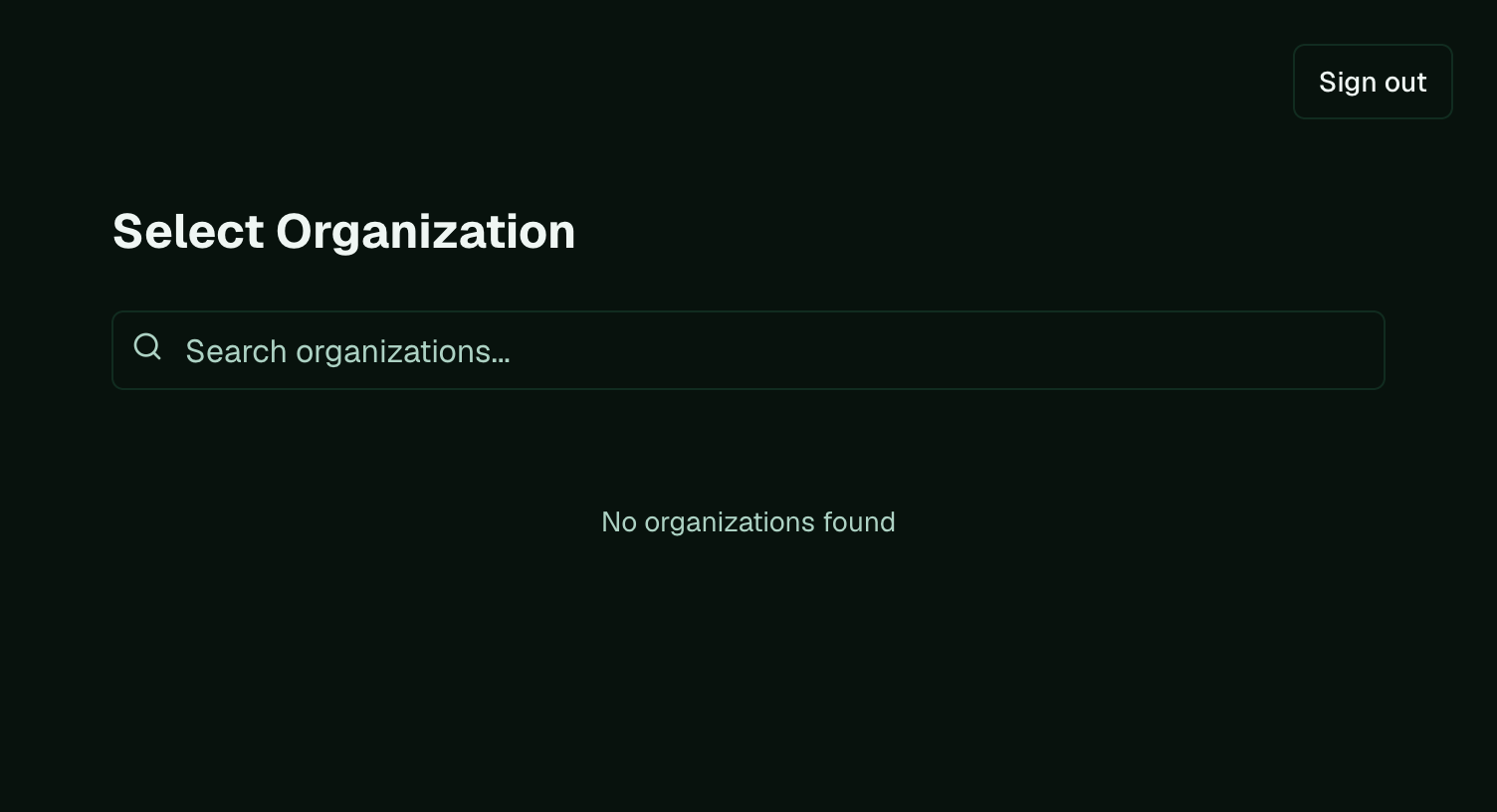
"No organizations found" is normal on your first sign-in, before you are added.
- Add you to your existing organization, if your company is already on Synscribe.
- Set up a new organization for you, if you’re a new company joining the beta.