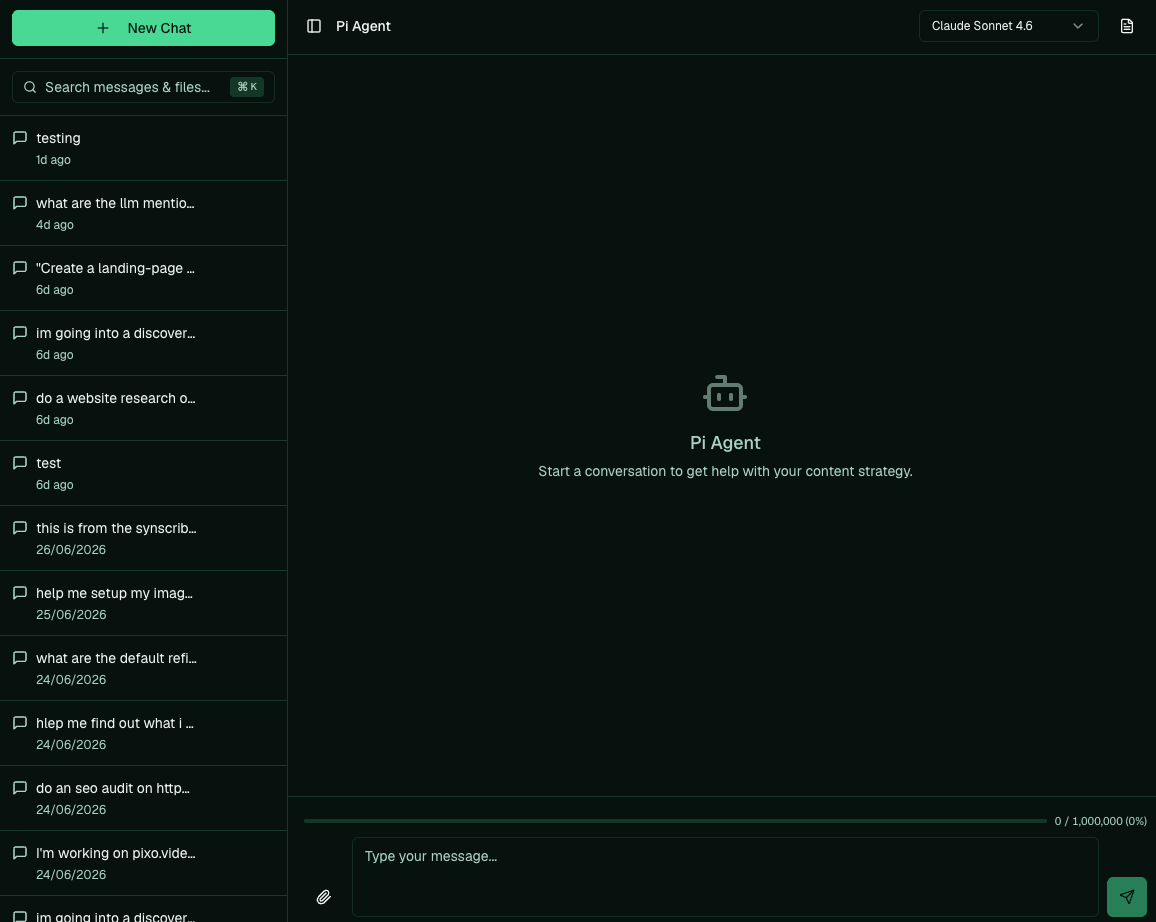
The Pi Agent chat — where you brief Pi and watch it work.
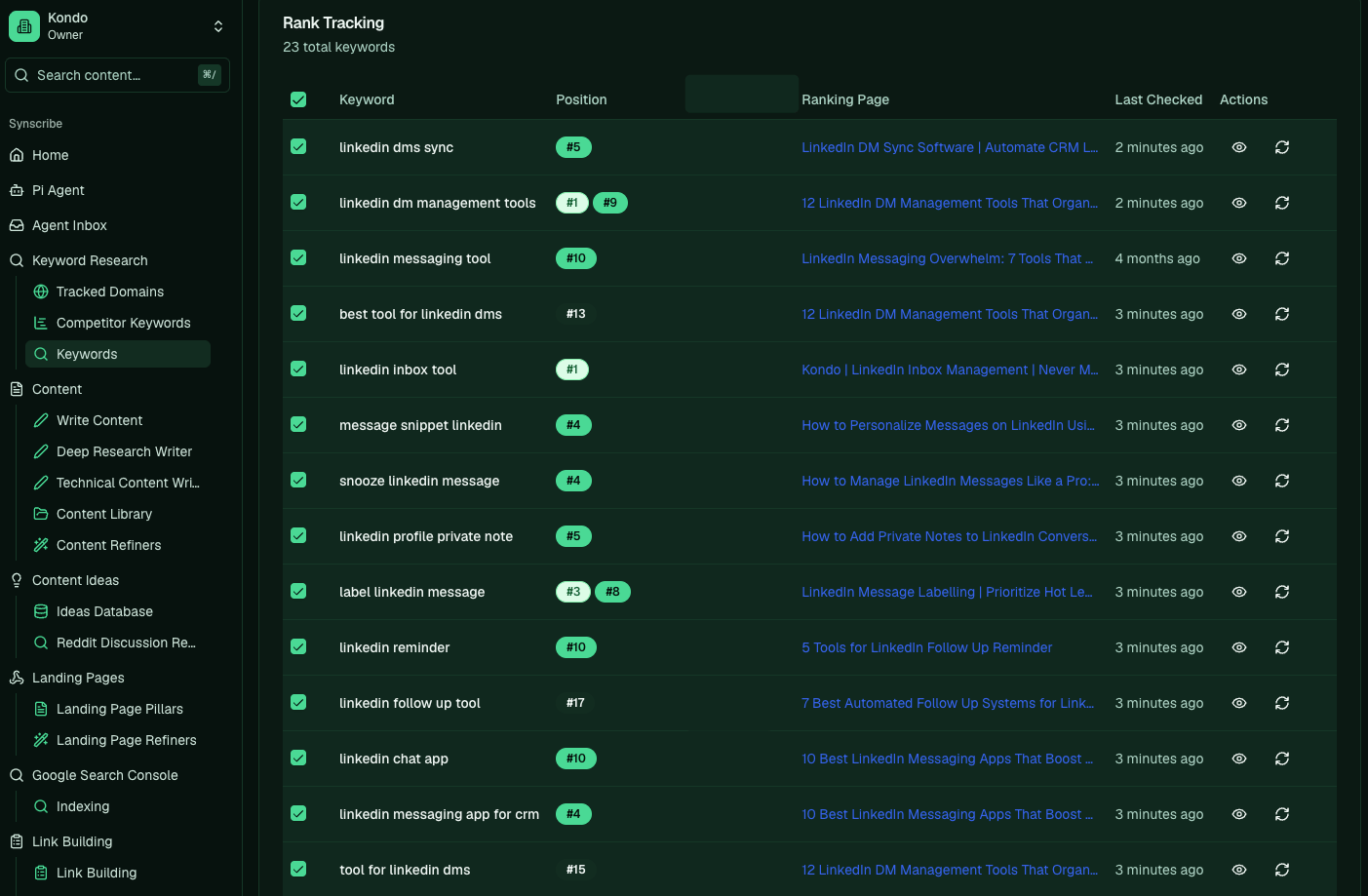
Rank tracking in the app: your keywords, their live positions, and the page ranking for each.
The typical workflow
A full cycle runs through four stages. You can point Pi at any of them, or do a step yourself in the app.- Plan and research: pick topics and confirm you can actually rank for them.
- Create the content: Pi drafts landing pages and blog posts from the plan, then refiners polish them.
- Publish and distribute: set pages live, get them indexed, and start link building.
- Review performance: see what’s ranking and decide what to do next.
Find your path
Pick the one that sounds like you.I don't know where to start
Follow the Opinionated Guide: our step-by-step for running SEO on Synscribe,
from setting up your account to publishing and reviewing. It’s the path we’d take, in order.
Approving, publishing, or reporting
You’ve been given access to do a specific job. Go straight to it: publish content,
set up an evaluator, or pull a performance report.
Just need one task
You know your way around and want a single answer, like how to run link building. Search the
how-to library, browsable by task and by feature.
Getting around the app
The left sidebar is your whole workspace. A quick map of where each thing lives:
One thing to know early: there’s no standalone “Publish” button. You publish a page from inside that
page, on its Publishing tab.
If you want the reasoning behind any of this, Concepts explains why we do SEO this
way.
How to read these guides
Each guide answers one thing as briefly as it can and points you to the next action, so you can read it fast and get back to work. We add a short video wherever one makes the task clearer. When the answer is something you ask Pi, we show the exact prompt in a block, then say what Pi does with it. Copy it, swap the[bracketed] parts for your own, and send it: