Three ways to generate an idea
Every post starts from an idea, and there are three ways to get one. Which one you use tends to decide where the post sits in your funnel.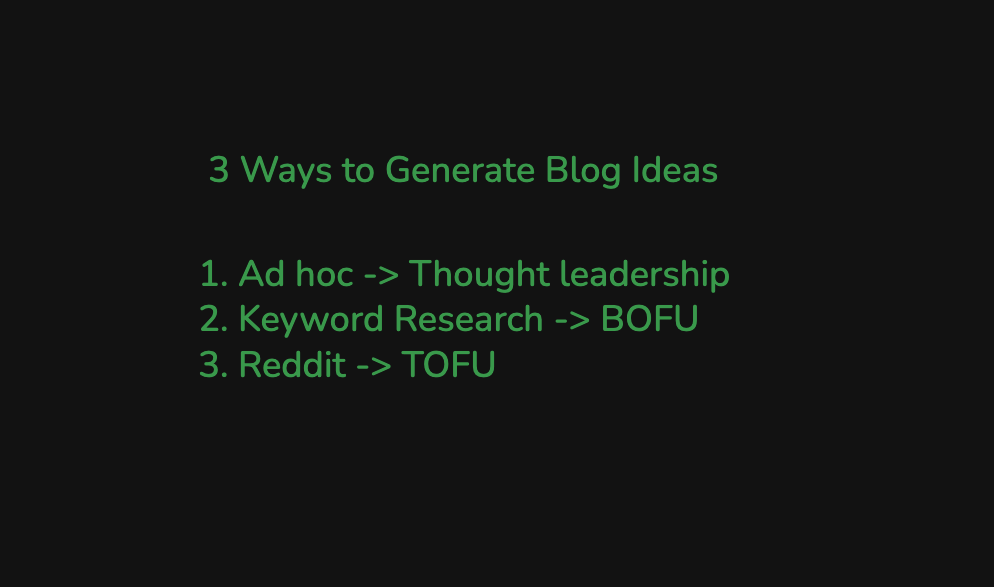
- Ad hoc, for thought leadership. A topic you already have, from a call or a stray thought. See Blog ideas from conversations.
- Keyword research, for bottom-of-funnel posts. The terms buyers search near a decision. See Blog ideas from keyword research.
- Reddit, for top-of-funnel posts. What your community is actually asking about. See Blog ideas from Reddit.
Customise it to you
Do these two once and every draft comes out on-brand rather than generic:- Set up your image generator so featured, OG, and CTA images match your brand.
- Set up refiners so every post gets your standard passes: a TLDR, an FAQ, product alignment that puts you ahead of competitors, and a CTA banner.