Every edit is a layer
Worth knowing up front, because it applies to all three methods: each edit is stored as a separate layer above the Original (Applied: TLDR Summary, Applied: AI Edit, and so on). Nothing overwrites the draft. Hit Show Changes to see exactly what a layer changed, and delete a layer to reverse it.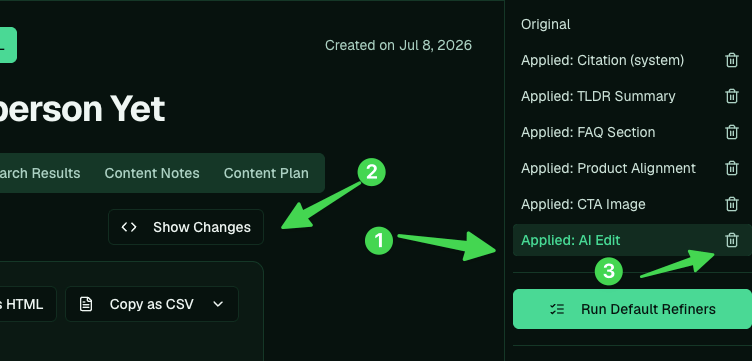
1. Run a refiner
If you’ve set up refiners, apply your standard edits in one click. Run Default Refiners applies your whole default set, or pick one from Select refiner and hit Run Refiner.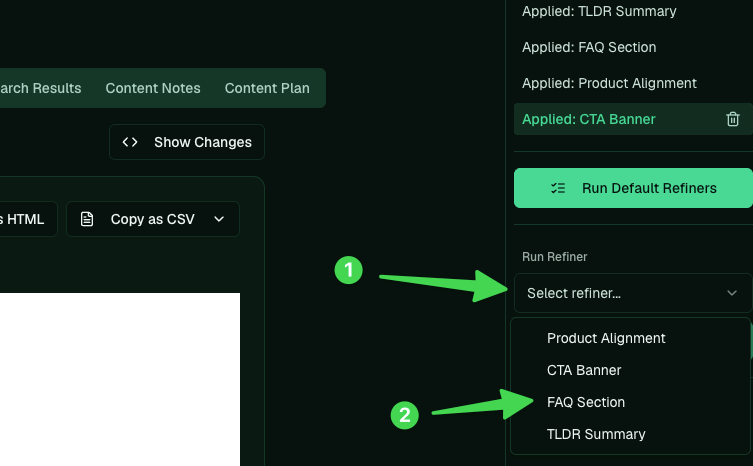
2. Edit it by hand
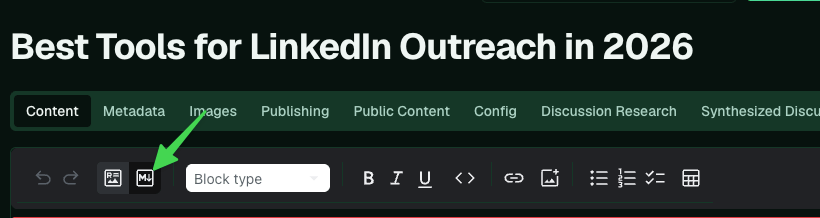
Click Edit to open the editor, switch to the markdown surface, and change whatever you want (say, calling yourself “Fuzzy” instead of “Fuzzy AI”).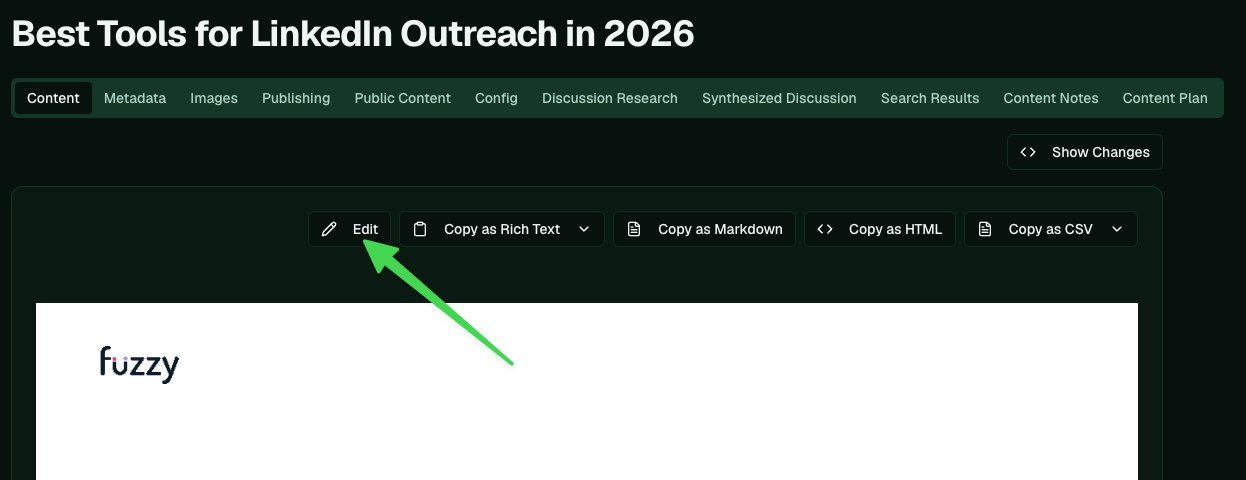
3. Describe the change for AI
In the AI Edit box, describe what you want and Apply AI Edit: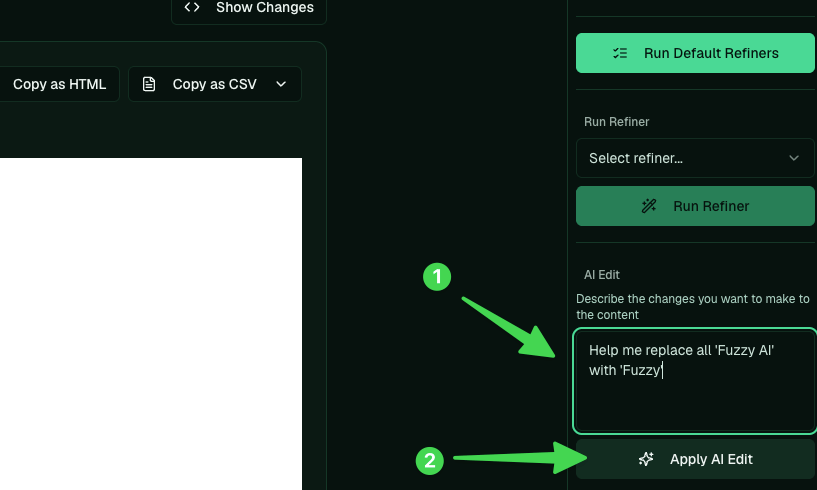
Or just ask Pi
You can also do the whole thing from a Pi chat. Tell it which article and what to change: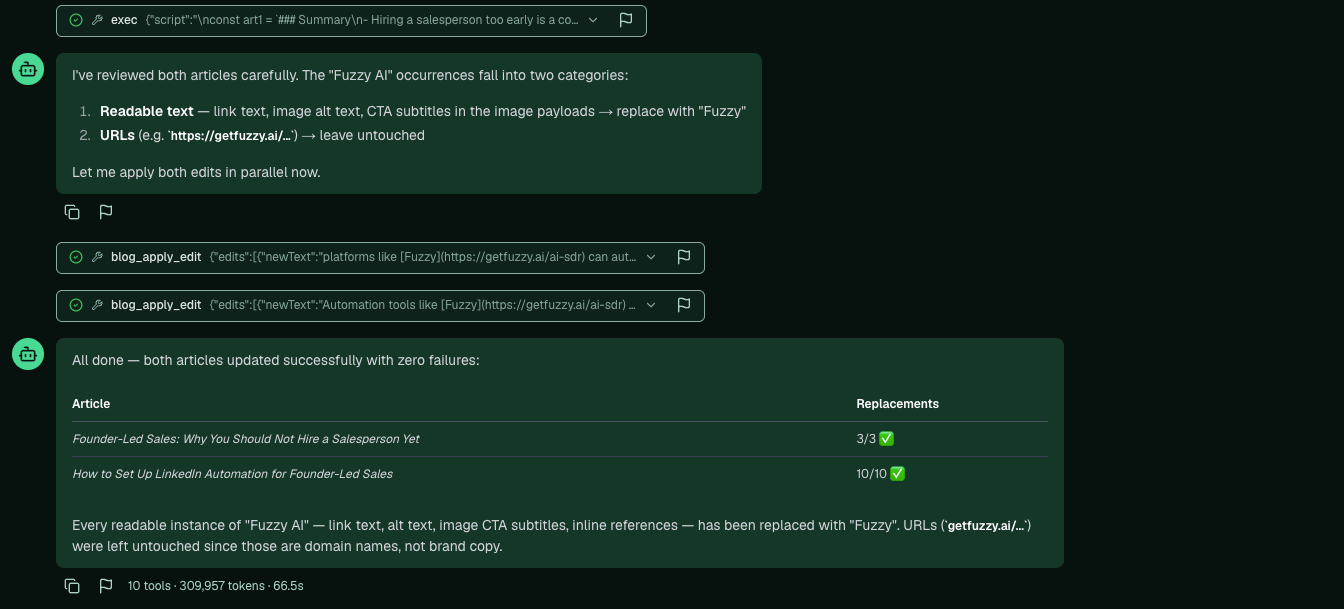
What to check while editing
- Title contains the keyword, and the summary mentions the company.
- Competitor links removed, company positioned first.
- Claims are accurate. Don’t ship anything you can’t say (the compliance guardrail also checks this at publish).