The idea
Your business details get used in a lot of places: every blog, every landing page, every keyword decision reaches back to this foundation. So it’s worth getting right once, up front. Three artifacts do most of the work. The company research report is the high-level overview of what you do and who you sell to. The Product Bible goes deep on the product itself, and its feature inventory is the part that matters most, because landing pages are generated by permuting those features. Your org profile is the short reference Pi keeps close while it writes. Everything else this setup produces (a first pass of keywords and page ideas) is a starting point you refine later. Because the pages you scale later inherit whatever is in here, accuracy beats speed. Read each artifact and fix what’s wrong before you build on it.Steps
1. Initialize Pi for the org
If you haven’t already, set Pi up for the organization first, per Create the org and initialize Pi. The research below runs against what Pi knows about your account.2. Kick off the foundation research
One prompt sets the whole sequence going: website research, the Product Bible, your org info, a first pass of bottom-of-funnel keywords, and an outline landing-page pillar. Point it at your site and ask Pi to work through it in order, passing each result into the next. You can also run fewer steps at a time to check the early results before Pi continues.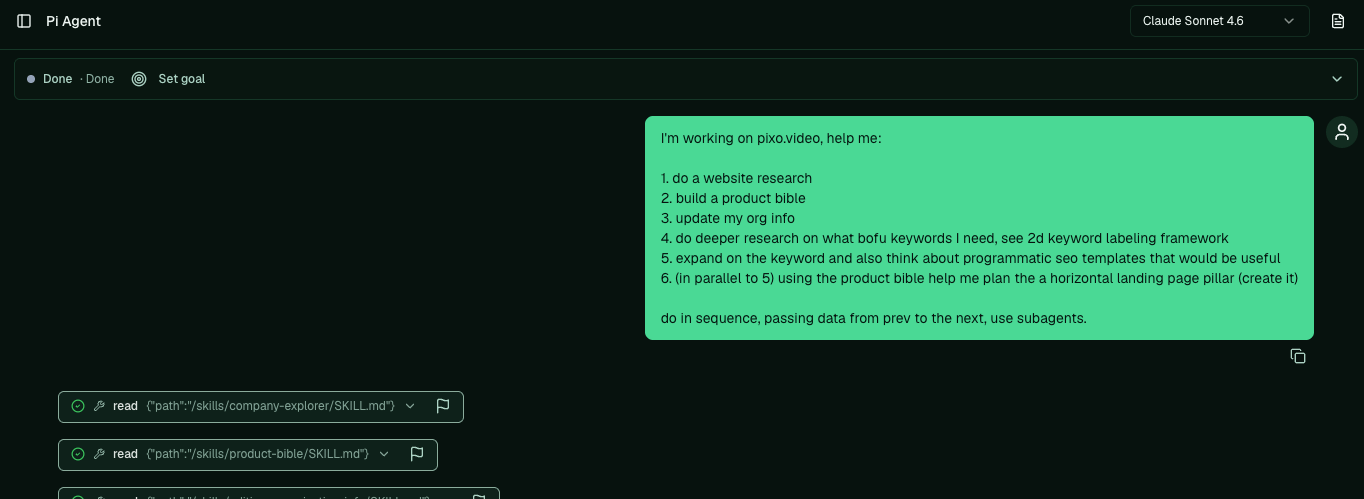
One prompt kicks off the whole foundation: research, Product Bible, org info, keywords, and a landing-page pillar.
3. Review the company research
The company research report is the high-level picture: what your company does, where you stand out, your ideal customers, and your competitors, split into the ones you compete with directly, the incumbents, and the adjacent players already ranking. It also reads the language your audience uses and surfaces early keyword ideas with volume and difficulty. Read it, then have Pi adjust anything that’s off, or research an audience you’re curious about:4. Review the Product Bible, especially the feature inventory
The Product Bible goes deep on the product: what it does, your workflow, how you differ, ICP, pain points, buying triggers, and pricing. The most important section is the feature inventory, a breakdown of your product into its parts. Check it closely for accuracy, because landing pages are generated by permuting these features into many pages, so an error here multiplies downstream. Open questions are optional to fill in.
The feature inventory: your product broken into features, each rated against your ICPs. This is what landing-page generation permutes.
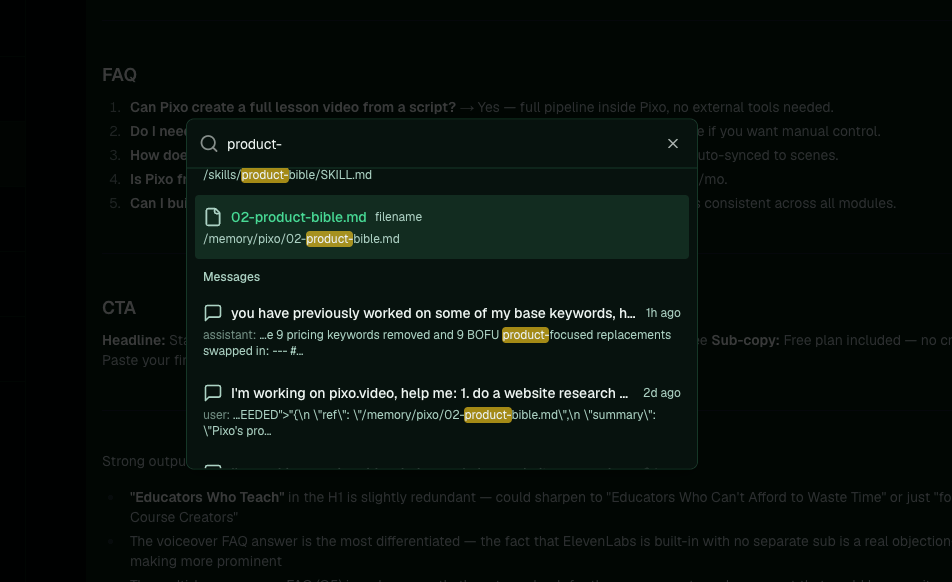
Find any file by searching its name, or browse the file explorer under Memory.
5. Check your org information
Your org profile is the short reference Pi keeps returning to while it writes, including for blogs and landing pages. It holds a short description, a detailed description, your keywords, product offers, and ICP. Pi fills it in automatically; you can edit any of it yourself in the app under Settings, on the Organization Information page.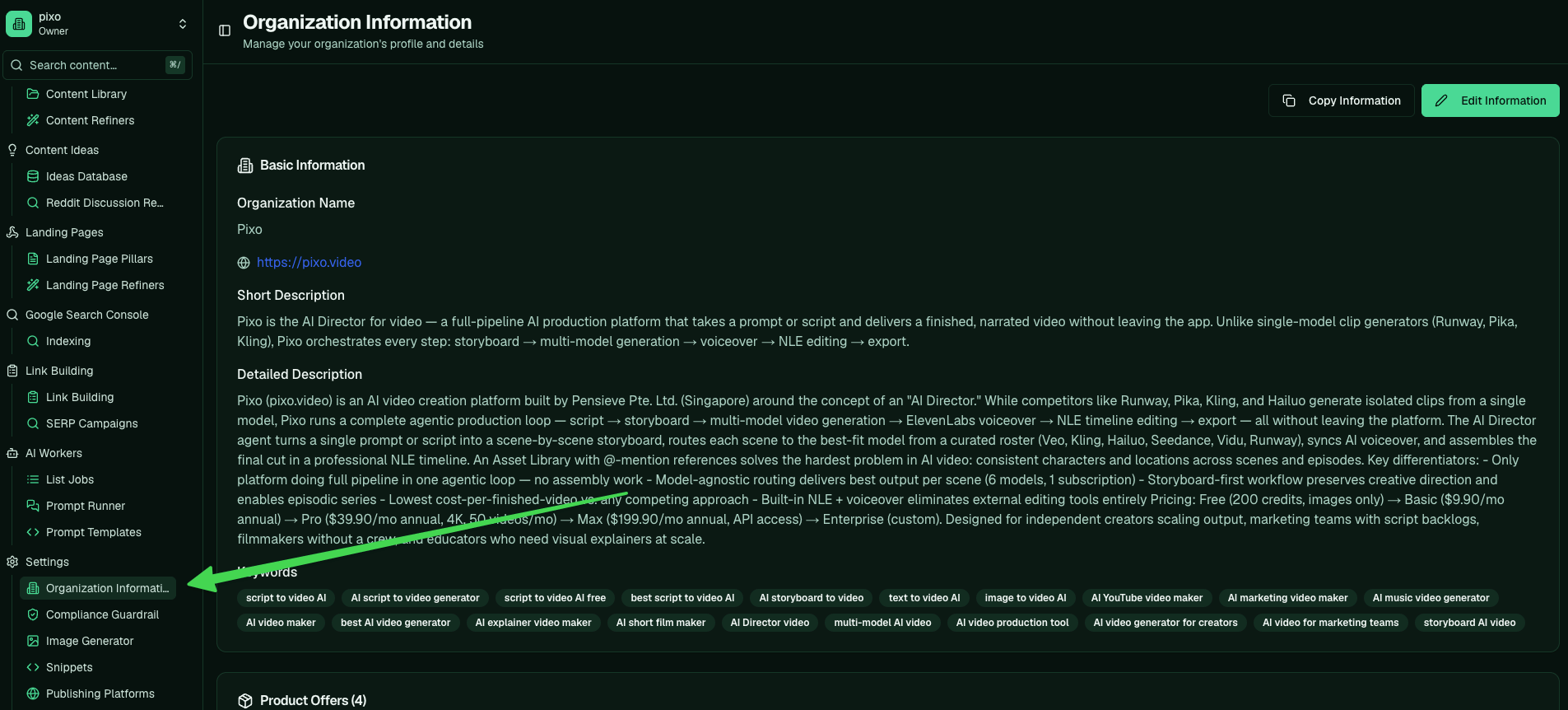
Your org profile in the app: short and detailed descriptions, keywords, and product offers, all editable.
6. Skim the keyword and page ideas
The same run drafts a first pass of bottom-of-funnel keywords, labelled on the 2-D framework of intent (are people looking to buy) and relevance (do you offer it). Offering keywords are ones you can target directly; alternative keywords let you position against a competitor you don’t offer. It also sketches some programmatic SEO template ideas and a landing-page pillar outline. Treat these as a starting point, not gospel.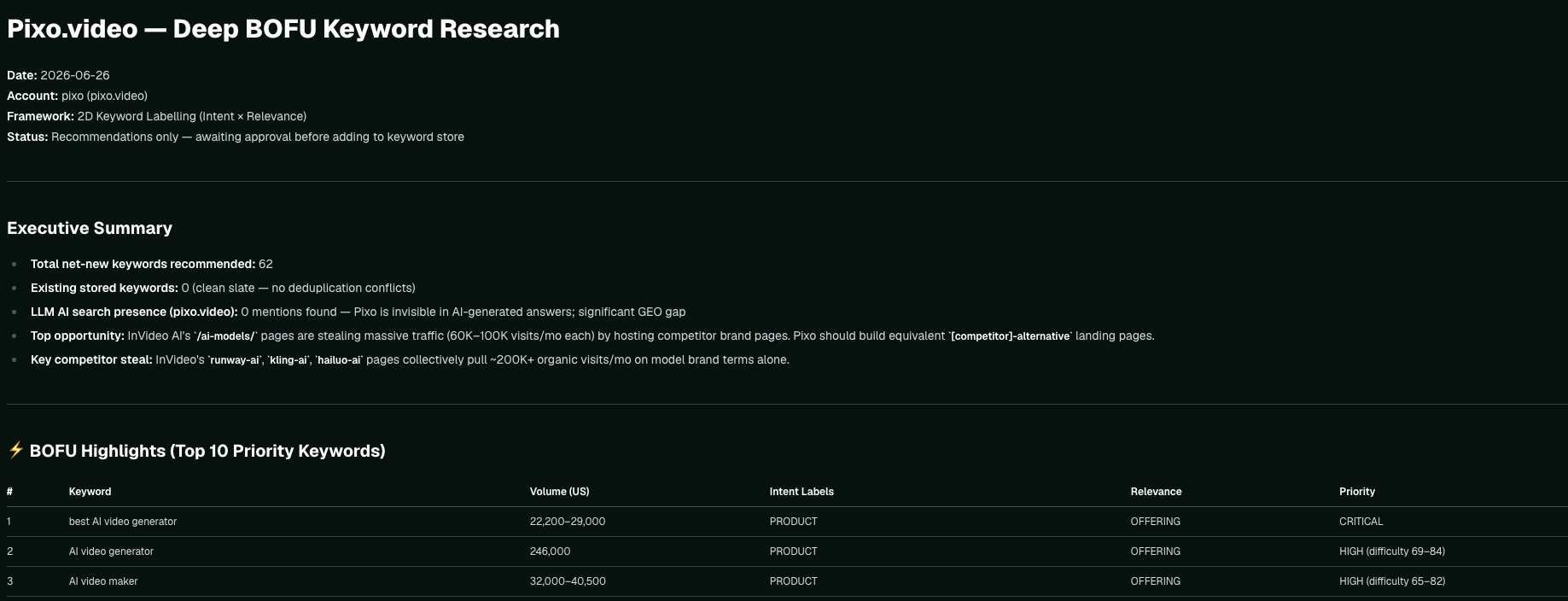
The first-pass BOFU keyword research, labelled on the 2-D intent and relevance framework, with volume and priority.
Bring your own GTM docs. If you already have ICP docs, a feature backlog, or a GTM brief, drag them into the chat and ask Pi to fold them into your research and Product Bible. Pi reads files and files the knowledge where it can reach it later.
Keep it correct over time
The foundation is source data you maintain, not a document you write once and leave. When facts or links drift, fix the bible and its memory so the correction reaches everything downstream:Theory: The thesis, Definition of done · Next: Connect Google Search Console · Related: How Pi works with files