The idea
Pi’s built-in skills cover the common tasks. What they can’t cover is the specific sequence you like to run in a specific order for your own work. Rather than re-explaining that sequence every time, you teach Pi once and it remembers. The trick is to build the skill from a real run, not from a description. Do the task manually first, then ask Pi to summarise what you both just did. It captures the actual steps, tools, and order, which is far more accurate than writing the recipe from scratch. How specific you are is a dial. The more precisely you spell out the steps, the more reliably the skill repeats and the less room there is for error. Leave it looser if you would rather Pi fill in the gaps and pick a strategy each time.Steps
Each step has the real prompt to send Pi, followed by what comes back. Copy the prompt, adapt it to your workflow, and follow along.1. Run the workflow once, by hand
Do the task with Pi the normal way first. In the video that’s a full competitor keyword expansion. Pi watching a real run is what lets it record the true steps instead of guessing at them, so there’s nothing to send here yet. Just get to a good result.2. Ask Pi to save it as a skill
At the end of the conversation, ask Pi to turn what you just did into a reusable skill. Spell out the steps in order, name any existing skill it should lean on, and say what should trigger it. Be as specific as you want the repeat to be exact: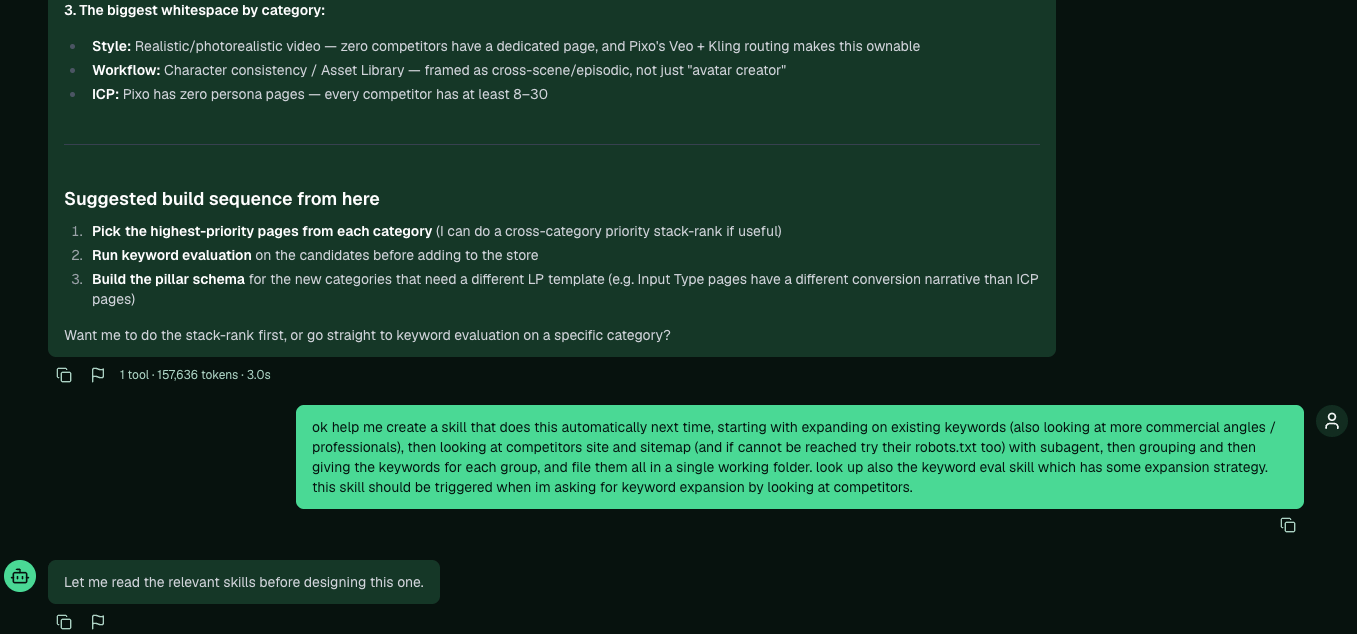
Ask Pi to save the workflow you just ran as a skill, spelling out the steps and what should trigger it.
3. Read what Pi built
Open your skills folder and read the skill Pi saved: the steps it recorded, what it produces, and the references it points to for extra strategy. If anything looks wrong, tell Pi what to change and it edits the skill.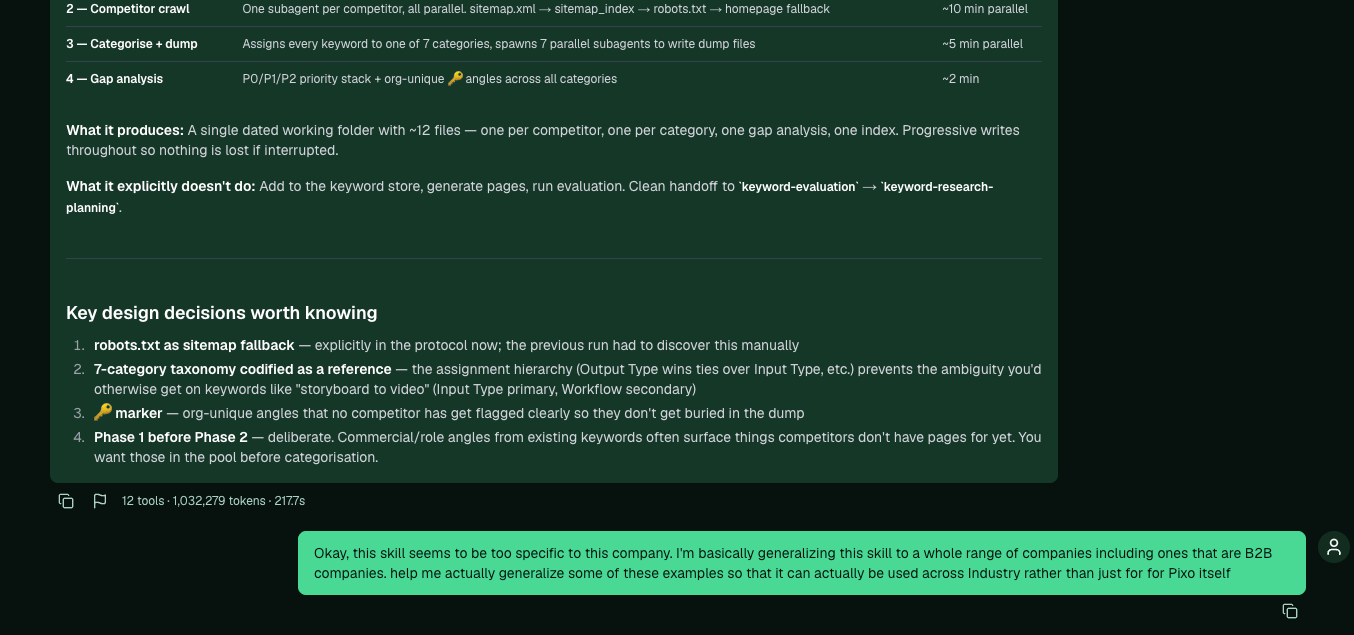
The saved skill: its phases, what it produces, what it deliberately doesn't do, and the design decisions worth checking.
4. Generalize it if you’ll reuse it widely
A skill built from one project often bakes in that project’s specifics. If you’ll run it across different businesses, ask Pi to lift the examples out so the steps work anywhere, including B2B:5. Trigger it next time
Once the skill is loaded, it fires when you ask in its terms. For the competitor example, prompts like “expand keywords from a competitor”, “do competitor sitemap research”, or “what keywords am I missing versus this competitor” all trigger it, and Pi runs the whole sequence for you.Your skills stay in your organization. A skill you create is available only to your account, so your processes stay private. To reuse one across several organizations, work with an admin to promote it so it applies to everyone.
Related: Extract keywords from competitors, How to drive Pi Agent well, How Pi works with files · Theory: Agent-operated SEO