Pull it from the pillar
- In the sidebar, open Landing Pages, then Landing Page Pillars.
- Open the pillar (usually the
/useshorizontal one) with the edit action.
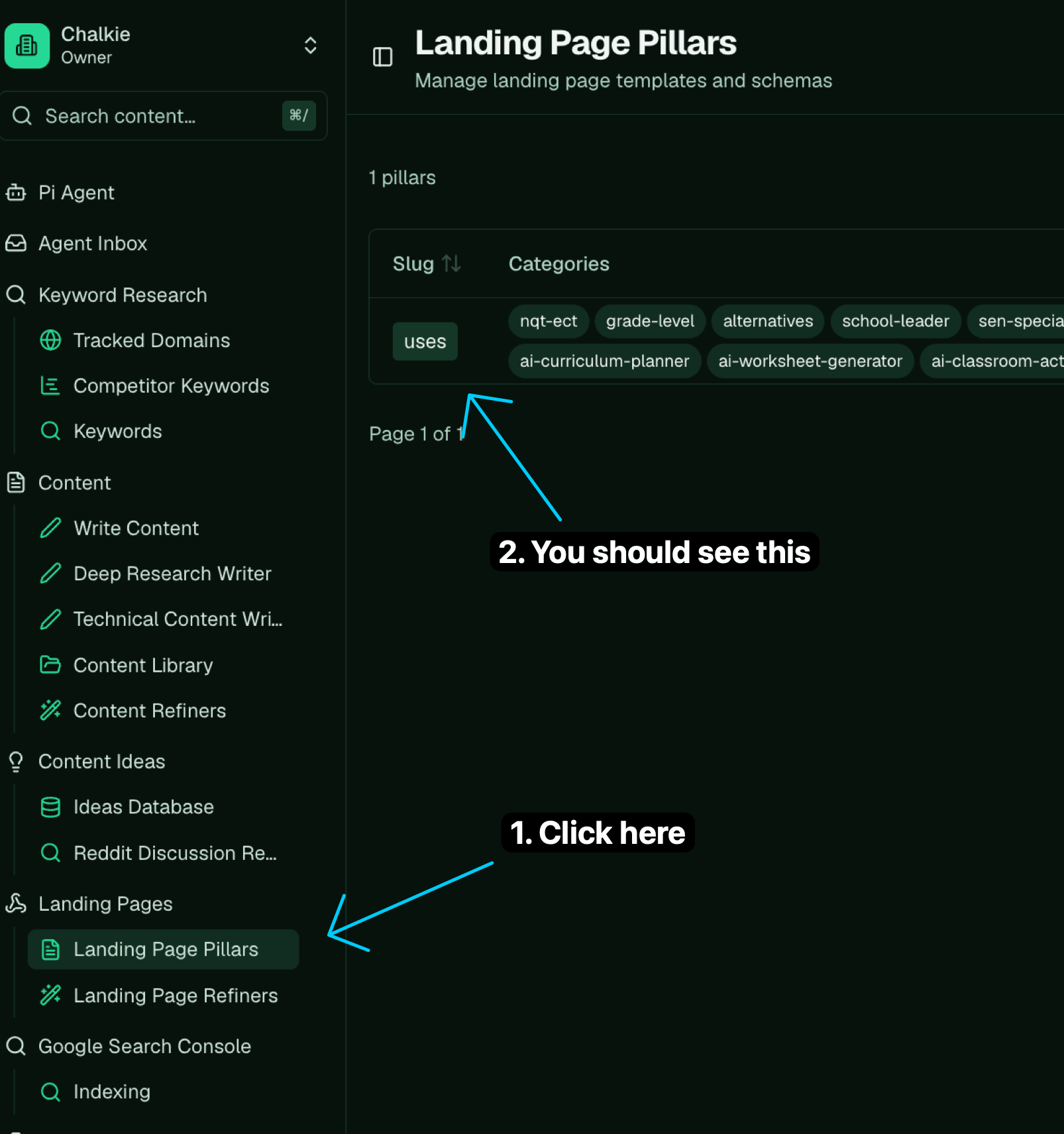
Landing Pages then Landing Page Pillars: open the pillar to reach its prompt.
- Scroll the Prompt field down to the
## Feature Inventoryheading and copy the whole list. Each entry has anid, a “what it is”, and a “when to use it”.
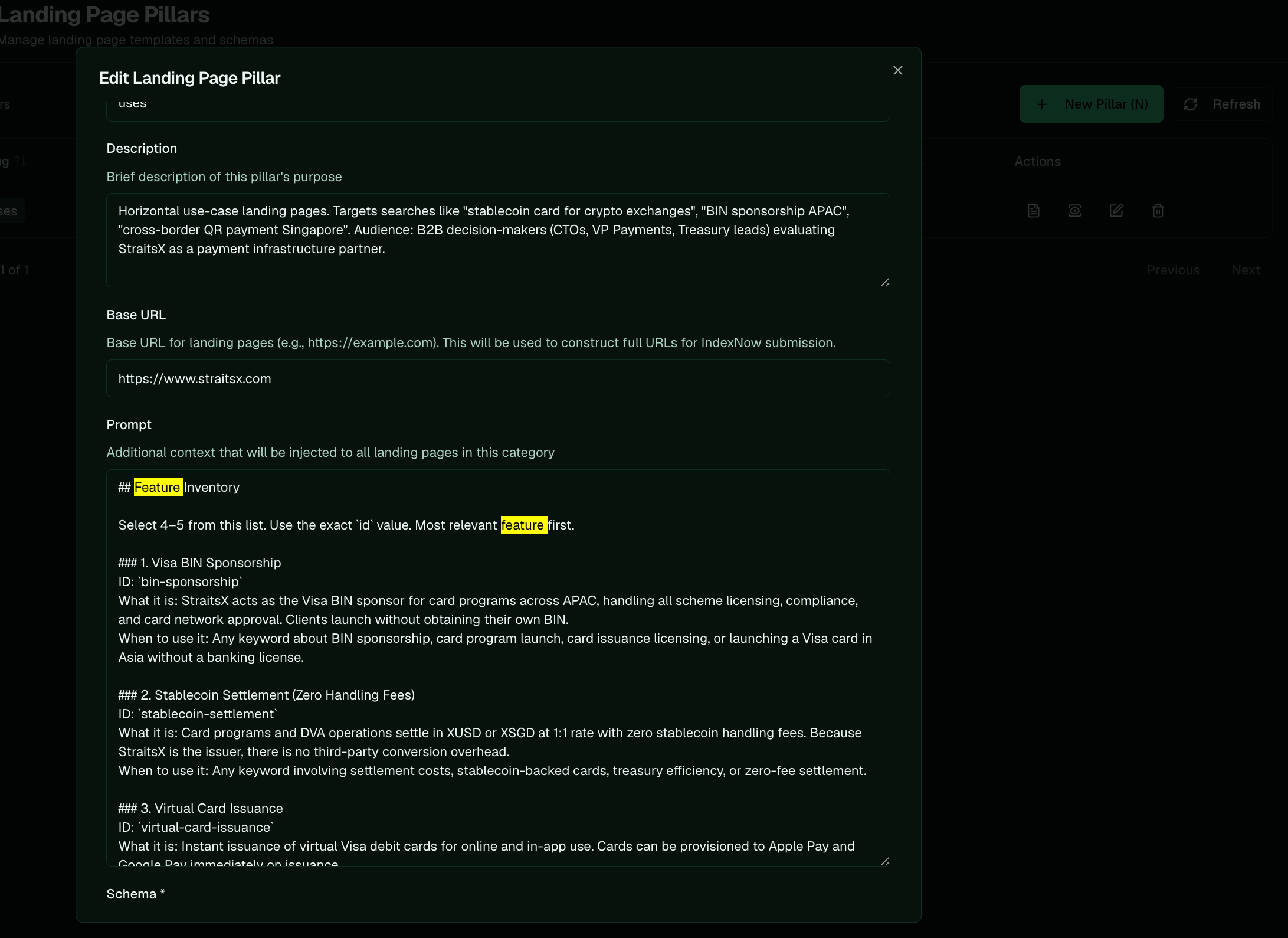
The feature inventory sits in the pillar's Prompt, one entry per feature, each with an id.
Fold it into the onboarding document
Paste the list into Pi and have it add the inventory to the onboarding document: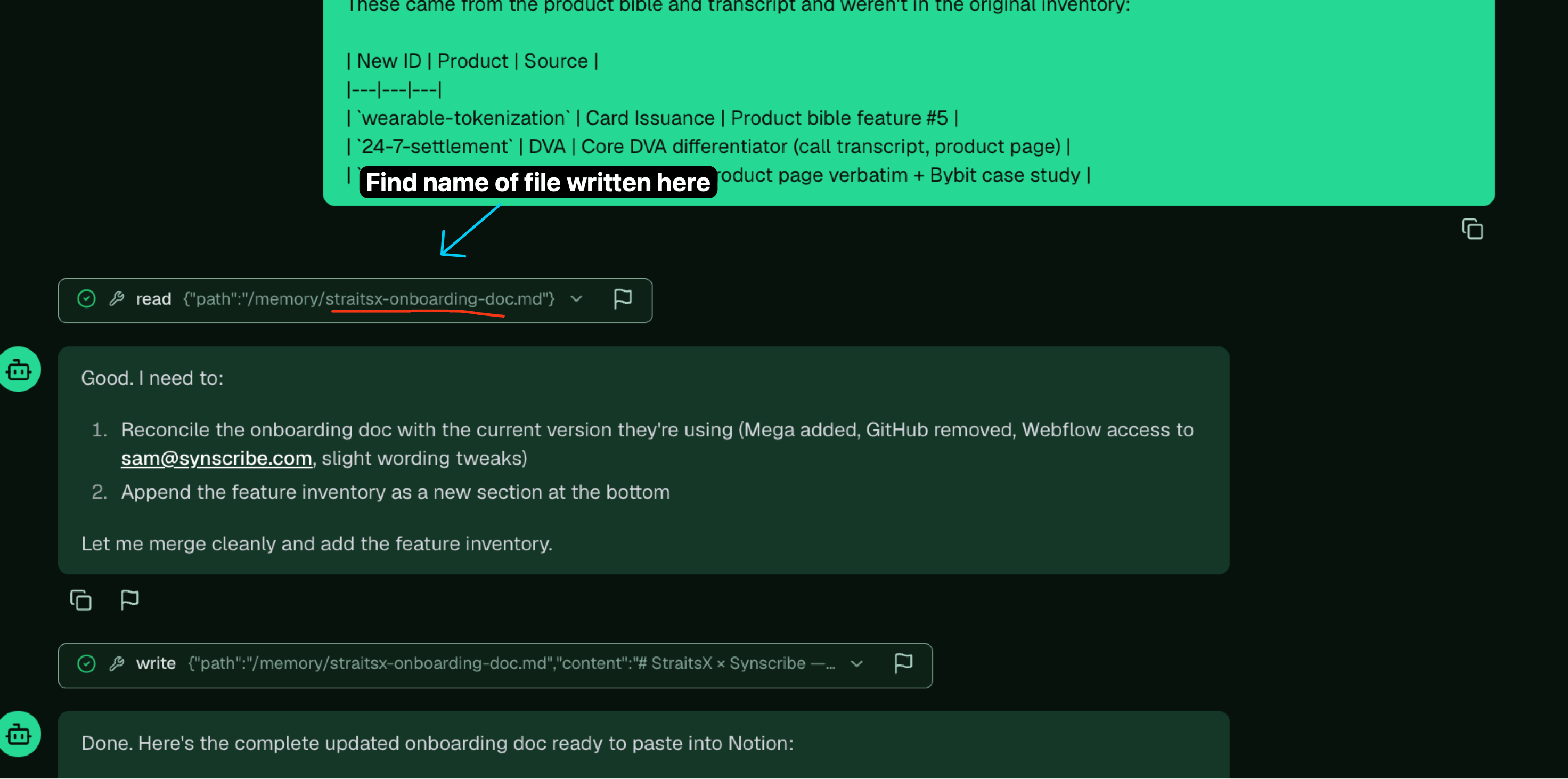
Cmd/Ctrl-K, then search for the onboarding document.
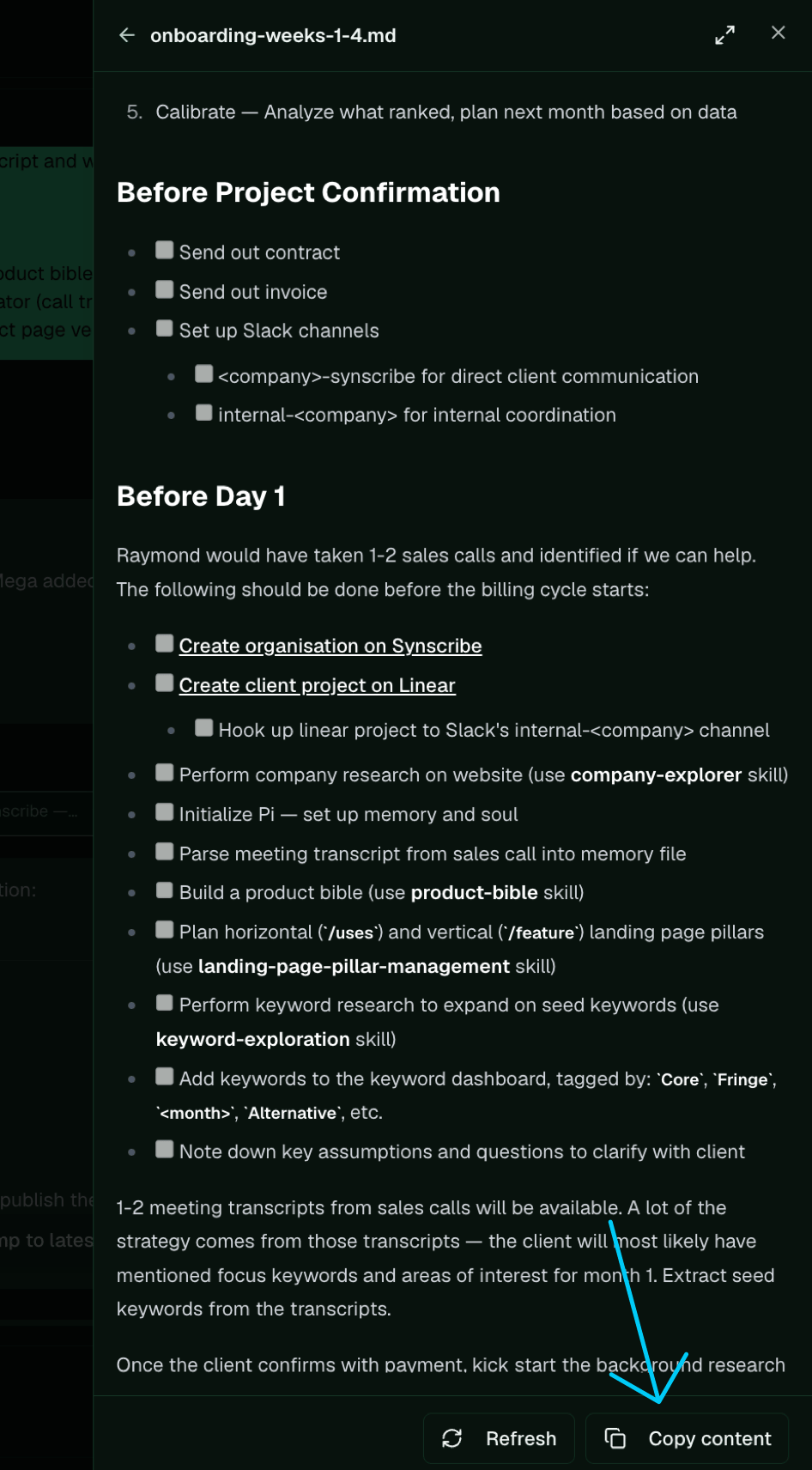
Open the document and use Copy content to move it into Notion.
Get sign-off
- Send the document to the
internal-<client>Slack channel for Raymond to review, and revise on his feedback. - After the onboarding call, share the document with the client with full edit access, so they can correct the feature inventory themselves.
- Keep the
ids intact through the edits. Pages reference features byid, so a rename drops that feature from pages already using it.