/app) → Create New Organization (admin-only). Creating it mints a Pi Agent key
and runs Pi’s bootstrap automatically, so the client’s file store is seeded the moment the org
exists. Then hand off: the client (or you, on their behalf) completes Pi’s setup on
Set up Pi for your business. Do this as soon as the sales calls
confirm we can help.
Create the organization
From the sidebar org switcher, open Manage Organizations, go to the Select Organization page (/app), and click Create New Organization. Fill in the Name and the Organization ID
(auto-slugified from the name), then create it.
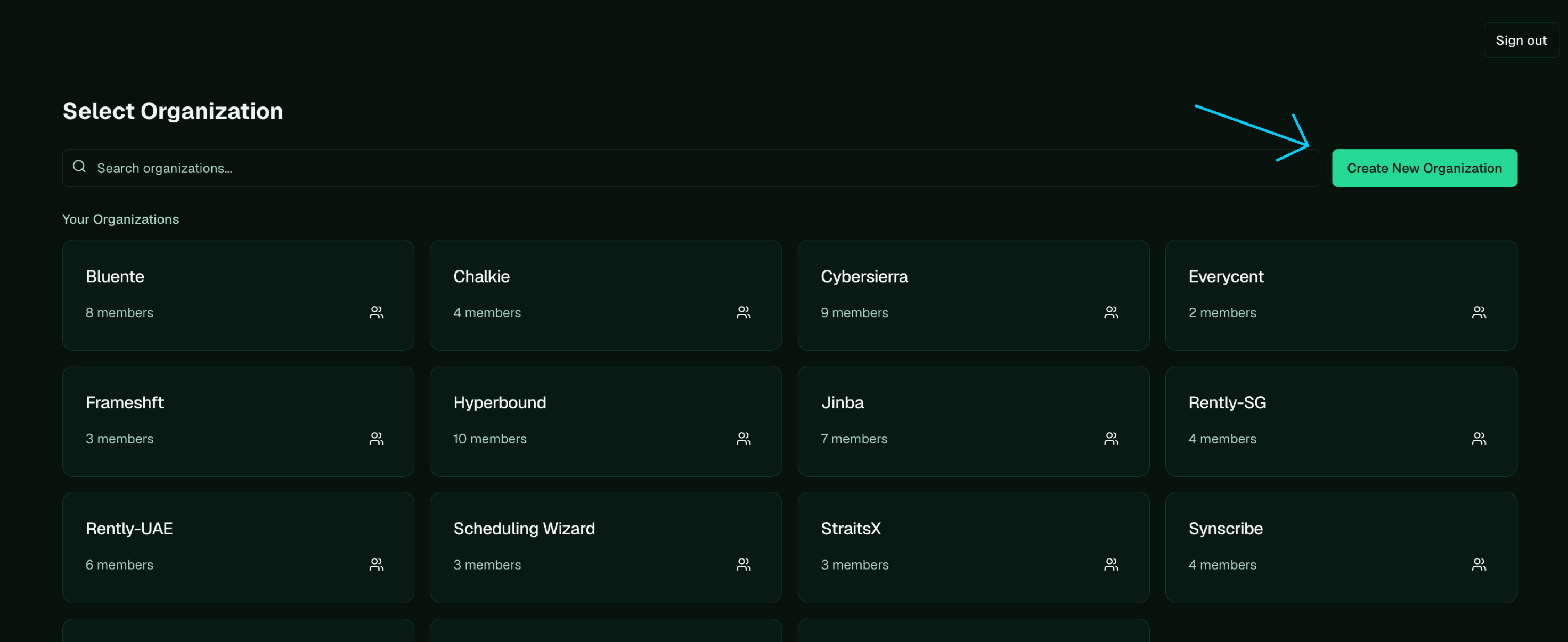
On the Select Organization page (/app), click Create New Organization.
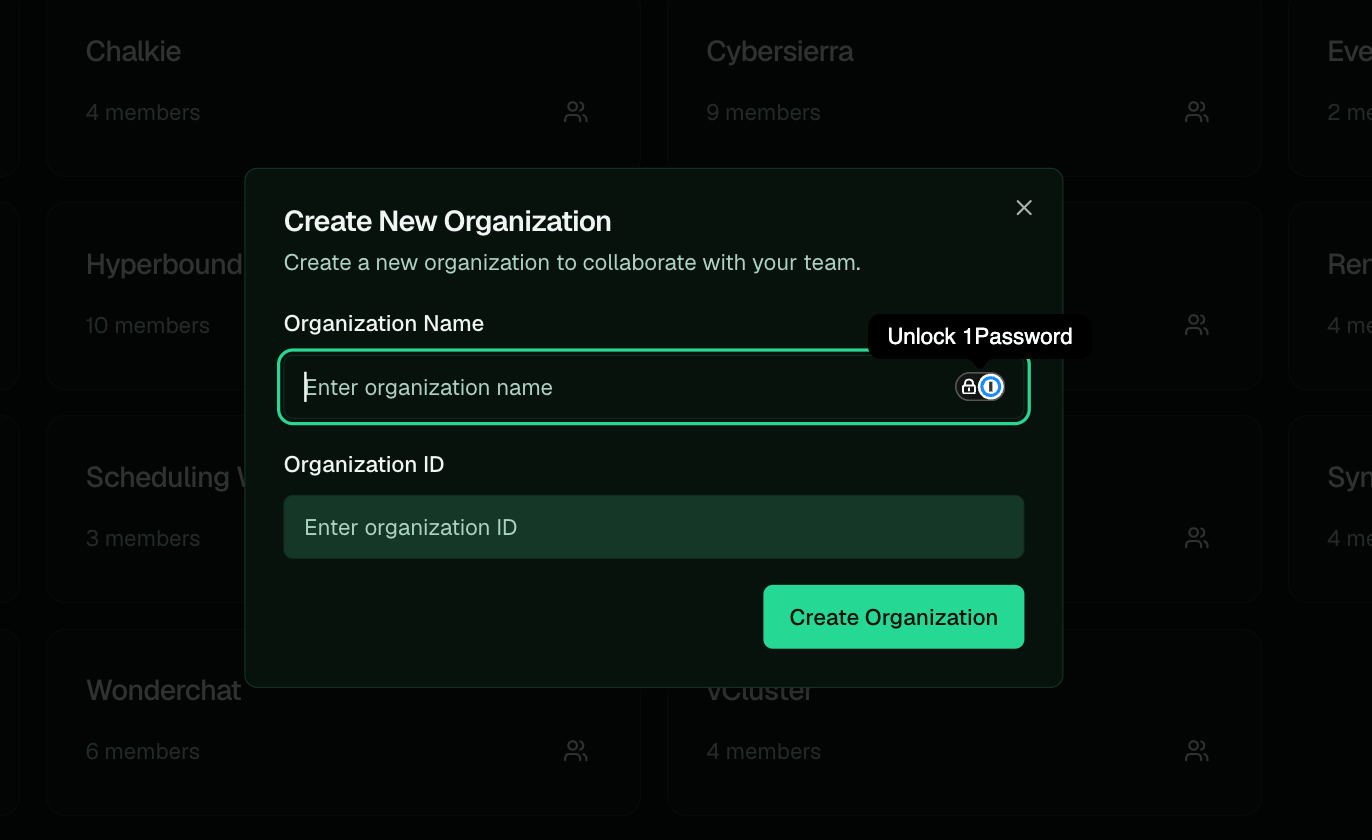
Name the org; the Organization ID auto-slugifies from the name.
Creating an org is admin-only. It needs a platform-admin account: the app shows the Create New Organization button only to admins, and the API rejects non-admins. If you don’t see the button, ask an admin to create the org shell, and you can do everything else once it exists.
What creation seeds
Creating the org mints a default Pi Agent API key and calls Pi’s bootstrap, so Pi’s files are seeded the moment the org exists. There’s no separate “start bootstrap” step. Bootstrap lays down the core files that make Pi this client’s agent (IDENTITY.md, SOUL.md, USER.md, MEMORY.md); the
client’s identity, voice, and knowledge are filled in during setup and as you work. The full picture
of these files is on Set up Pi for your business.