> ## Documentation Index
> Fetch the complete documentation index at: https://docs.synscribe.com/llms.txt
> Use this file to discover all available pages before exploring further.
# How to register for a Synscribe account
> Sign in at synscribe.com/app with your work Google account or a magic link, then have the Synscribe team add you to your organization.
Getting in takes two steps: sign in at [synscribe.com/app](https://synscribe.com/app), then let the
Synscribe team know which company you're with so we can put you in the right workspace. Synscribe is
in private beta today, so if your company isn't on the platform yet, start by requesting access.
## 1. Sign in at synscribe.com/app
Go to [synscribe.com/app](https://synscribe.com/app). You'll land on the sign-in screen.
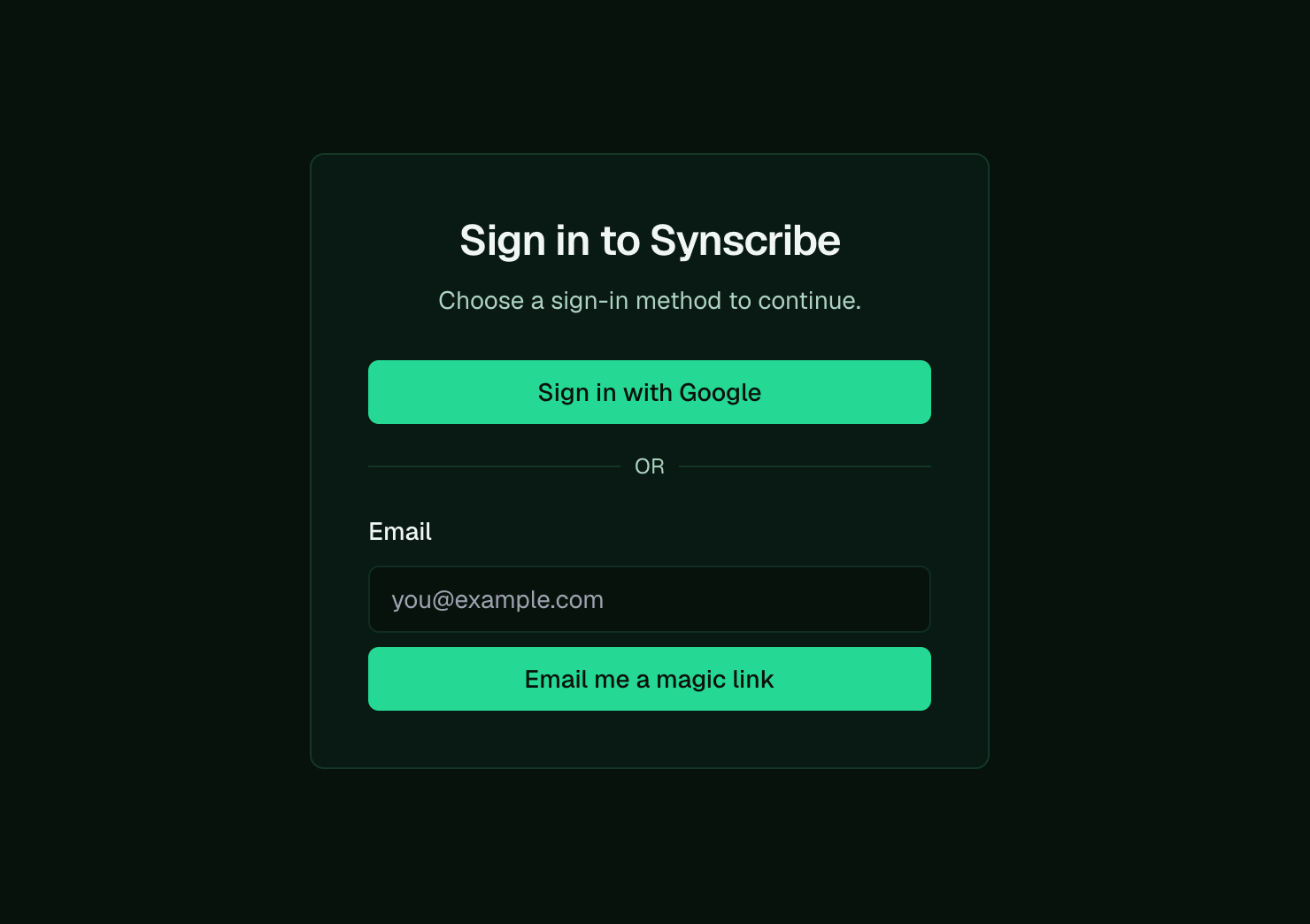 You have two ways in:
* Sign in with Google using your work account on your company domain. This is the one we recommend.
* Or enter your email and we'll send you a magic link to sign in, no password needed.
## 2. Get added to your organization
The first time you sign in, you may see "No organizations found." That's expected until the team adds
you to a workspace.
You have two ways in:
* Sign in with Google using your work account on your company domain. This is the one we recommend.
* Or enter your email and we'll send you a magic link to sign in, no password needed.
## 2. Get added to your organization
The first time you sign in, you may see "No organizations found." That's expected until the team adds
you to a workspace.
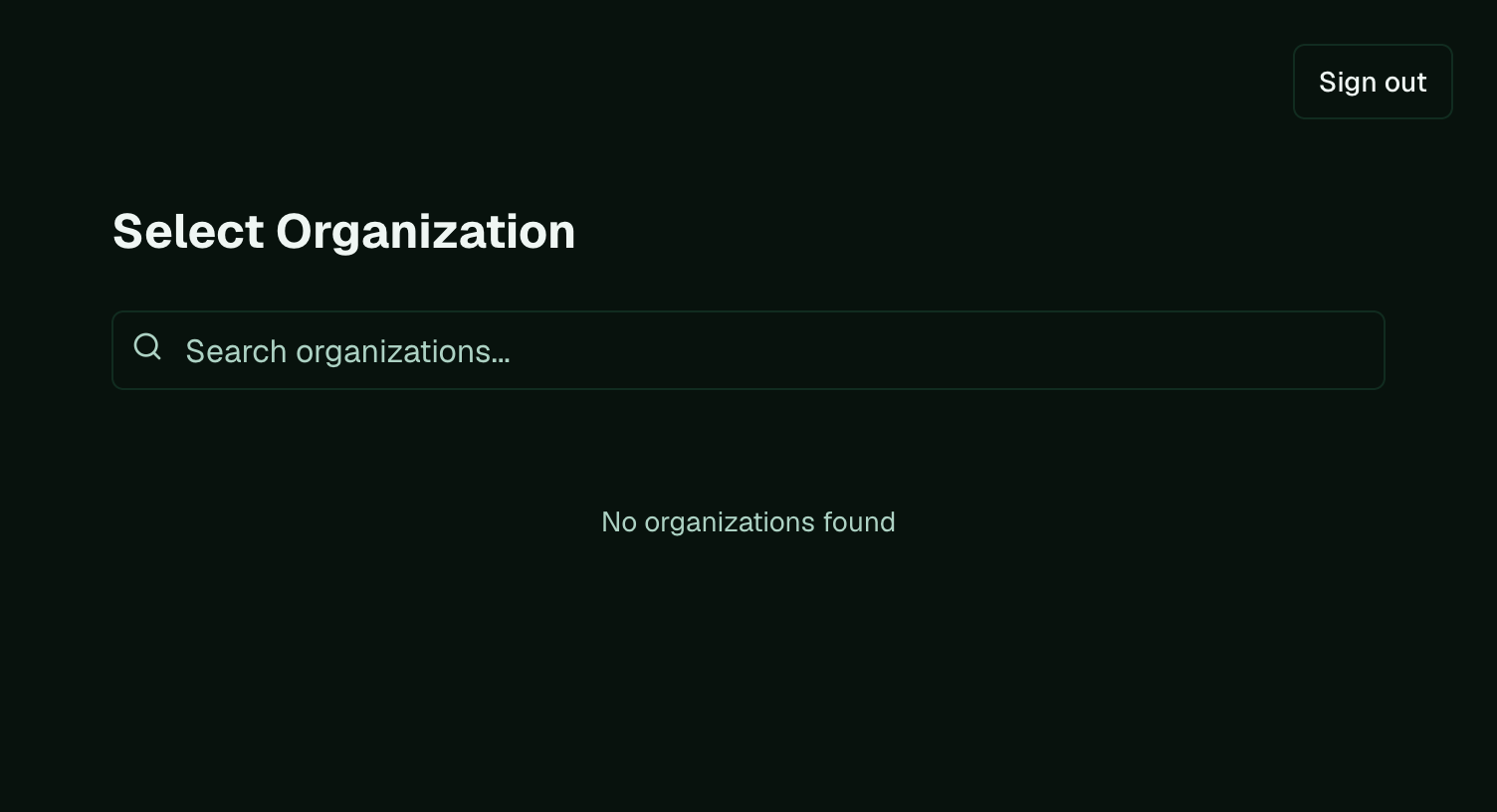 Tell the Synscribe team you've signed in, and we'll either:
* Add you to your existing organization, if your company is already on Synscribe.
* Set up a new organization for you, if you're a new company joining the beta.
Once you're added, your workspace appears here and you're in.
## Not on Synscribe yet?
Synscribe is in private beta, and we bring new companies onto the platform on a rolling basis. If
you'd like access, [get in touch](https://synscribe.com/contact?utm_source=training-docs\&utm_medium=referral)
and we'll take it from there.
**Next:** [Research your company and build the Product Bible](/platform/company-research-product-bible)
Tell the Synscribe team you've signed in, and we'll either:
* Add you to your existing organization, if your company is already on Synscribe.
* Set up a new organization for you, if you're a new company joining the beta.
Once you're added, your workspace appears here and you're in.
## Not on Synscribe yet?
Synscribe is in private beta, and we bring new companies onto the platform on a rolling basis. If
you'd like access, [get in touch](https://synscribe.com/contact?utm_source=training-docs\&utm_medium=referral)
and we'll take it from there.
**Next:** [Research your company and build the Product Bible](/platform/company-research-product-bible)